
Network Management
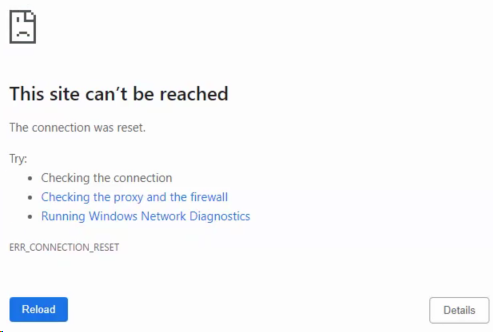
Web Console via https connection showing This site can't be reached
This article shows how to troubleshoot an issue with the Orion Web Console via https connection showing "This site can't be reached".
First published date
11/8/2019 3:33 PM
Last published date
1/31/2023 12:27 AM
Overview
The customer is unable to access the Orion Web Console on HTTPS connection. Getting an error similar to the screenshot below:
Product section
Network Performance Monitor
Cause
Confirm the Orion Web Console is being accessed via an HTTPS connection. Verify in IIS Manager that the SolarWinds NetPerfMon site binding has no SSL certificate selected as shown in the image below:
Resolution
After confirming that the Orion Web Console is being accessed via an HTTPS connection, determine in IIS Manager if a valid SSL certificate is currently set. To do this follow the steps below:
The Orion Web Console should now be accessible.
See also, Rebuild the Orion Website or Run the Orion Configuration Wizard
- In SolarWinds NetPerfMon, click on Bindings... then on the Edit... button. This will bring up the Edit Site Binding window below:
- After selecting a valid SSL certificate, click on the OK button.
- Pull up CMD (command prompt) and run it as an administrator.
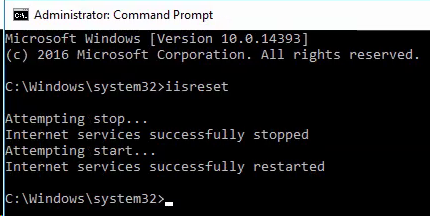
- Execute an IISRESET command.
The Orion Web Console should now be accessible.
See also, Rebuild the Orion Website or Run the Orion Configuration Wizard