
Tools
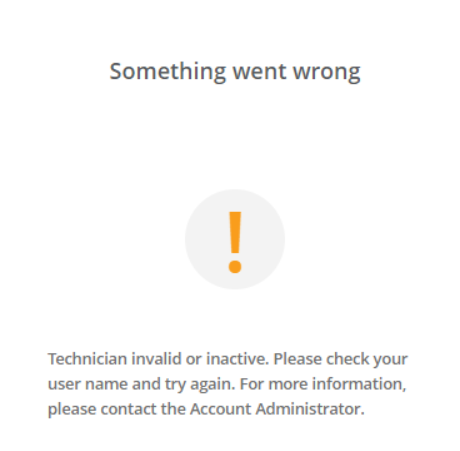
Technician invalid or inactive shows when logging into the DRE console or admin area
The article describes the resolution for resolving the error message, "Technician invalid or inactive. Please check your username and try again." when a technician login in the DRE Webpage or DRE Tech Console.
First published date
5/14/2024 7:14 PM
Last published date
2/19/2025 6:22 PM
Overview
When a DRE technician tries to log in to the DRE console or the admin area, they get the error message 'Technician invalid or Inactive.'
Product section
Dameware Remote Everywhere
Cause
- Wrong URL of the admin area.
- The account is not fully registered, as the DRE SSO still needs to be completed
Resolution
Check the following:
- Wrong URL of the admin area
- Technician is https://admin.swi-dre.com
- The account is not fully registered, as the DRE SSO still needs to be completed.
- For DRE Master Admin/Primary Admin: Please get in touch with SolarWinds Support and request that your SSO link be resent.
- For Technicians: Please contact your DRE Master Admin/Primary Admin, as they can resend your SSO Link.
- Once sent, access the email from mailer.dameware.re@solarwinds.com, and complete the SSO link within 24 Hours.
- SSO activation steps in DRE (solarwinds.com)