
Network Management
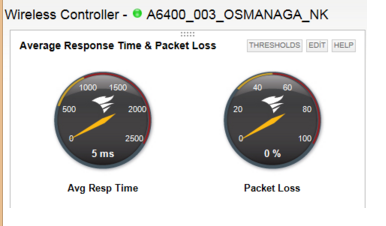
Node Incorrectly Marked as Wireless Controller in the SolarWinds Platform
This article covers the scenario where a node is marked as Wireless Controller and how you can revert it back to its default settings.
First published date
10/24/2018 8:43 AM
Last published date
7/1/2025 9:31 PM
Overview
This article covers wherein after adding the node it always shows as wireless controller rather than the normal configuration for a node.
Product section
Network Performance Monitor
Cause
This issue occurs when nodes have been manually assigned as Wireless Controller in the Node view.
Resolution
Resolution 1
- Go to Settings > All Settings, and select Views by Device Type from the Views section.
- Locate the appropriate Object Type, and change the Web View from "Web Controller" to the view required (e.g.",Node Details - Summary".)
- Click submit.
Or you may go to Manage Node > Choose the affected node > Edit Properties > Look for view 'View type used for displaying details about this node' > change it to 'Node Details -Summary' > Submit
Resolution 2
- Stop SolarWinds Services with the SolarWinds Platform Service Manager.
- Click Start > All Programs > SolarWinds Platform > SolarWinds Platform Service Manager.
- Click Stop Everything (top-left of the Service Manager).
- Truncate (NOT DROP) the tables that have _Detail name.
- Click Start > All Programs > SolarWinds Platform > Database Manager.
- If it does not exist, add the database by clicking Add Orion server.
- Right-click on the database and select New query.
- Type the following query into the query box in the middle.
-- Scripts are not supported under any SolarWinds support program or service.
-- Scripts are provided AS IS without warranty of any kind. SolarWinds further
-- disclaims all warranties including, without limitation, any implied warranties
-- of merchantability or of fitness for a particular purpose. The risk arising
-- out of the use or performance of the scripts and documentation stays with you.
-- In no event shall SolarWinds or anyone else involved in the creation,
-- production, or delivery of the scripts be liable for any damages whatsoever
-- (including, without limitation, damages for loss of business profits, business
-- interruption, loss of business information, or other pecuniary loss) arising
-- out of the use of or inability to use the scripts or documentation.

Truncate Table Wireless_Controllers
- Click Execute Query to run the query.
- Start the SolarWinds services.
- Check the nodes.