
Network Management
Displayed data is obsolete and Graph data is not available in NPM
The Interface Details page displays the message "Displayed data is obsolete" and graph "Data is not available" within the Percent Utilization resource widget.
First published date
11/4/2019 3:32 AM
Last published date
5/10/2026 3:11 PM
Overview
Scenario 1:
The Interface Details page displays the message "Displayed data is obsolete. Learn more"
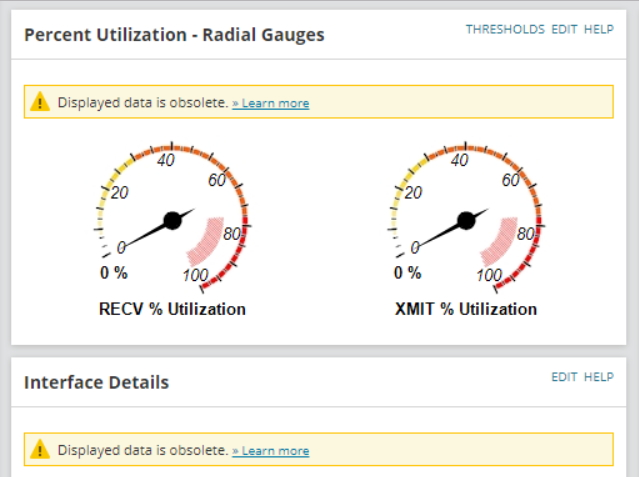
and for graph and charts, message "Data is not available" is displayed.
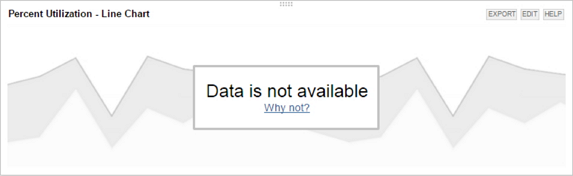
When you check the Collector Service log, you will find an error similar to the one below:
Scenario 2:
You have multiple polling engines and there is no issues on resouces for nodes / interfaces polled by Main poller, but the issue is visible for node/interfaces polled by Additional polling engine(s) only.
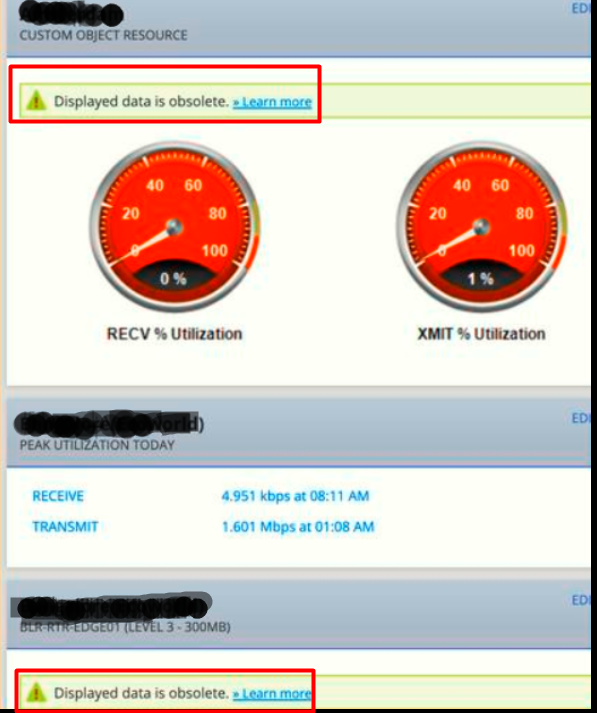
The Interface Details page displays the message "Displayed data is obsolete. Learn more"
and for graph and charts, message "Data is not available" is displayed.
When you check the Collector Service log, you will find an error similar to the one below:
ERROR SolarWinds.Collector.DBProcessing.DBProcessingWorkerWithAccess - Commit of  - SolarWinds.Interfaces.SNMP failed.
System.Data.SqlClient.SqlException (0x80131904): The attempted insert or update of the partitioned view failed because the value of the partitioning column does not belong to any of the partitions.
and for JobEngineV2 log:
WARN  SolarWinds.JobEngine.Scheduling.Scheduler - (null)	 scheduled job 5231f5e5-ffec-4c5e-9cf8-2ab8f98e0bd2 has been deleted before the execution was finished. Discarding the result
WARN  SolarWinds.JobEngine.Scheduling.Scheduler - (null)	 scheduled job 3639351e-f567-4ca5-a46f-5cf537f1fbda has been deleted before the execution was finished. Discarding the result
WARN  SolarWinds.JobEngine.Scheduling.Scheduler - (null)	 scheduled job bd213988-ec22-40bf-96c9-1a09d6950f2a has been deleted before the execution was finished. Discarding the result
Scenario 2:
You have multiple polling engines and there is no issues on resouces for nodes / interfaces polled by Main poller, but the issue is visible for node/interfaces polled by Additional polling engine(s) only.
Product section
Network Performance Monitor
Cause
2. Time On APE was 1 hour behind DB / Main poller
Resolution
Check the Time zone information and click settings on Main poller and DB server and APE and make sure the clocks have same time zone and TIME settings on all pollers.
- Stop all SolarWinds Platform Services using the SolarWinds Platform Services Manager
- Go to Control Panel > Programs and Features and ran a repair on the SolarWinds Collector Services and SolarWinds JobEngineV2 Service
- Start all SolarWinds Platform Services
- Wait for the interface to complete it polling or you can manually run a "Poll Now" on the affected Interface details page.
Note: Should the Issue still persist, you may try replacing the Polling Collector and Job Engine V2 polling files following the below KB article:
How to Rebuild JobEngine SDF or DB File in the SolarWinds Platform
Workaround
You can opt to disable this feature if interface monitoring is a critical component of the environment- In your web console, go to Settings > Polling Settings
- Under Polling Statistics Intervals, uncheck Interface data obsolete after ...polls
- Click Submit for the changes to commit