
Security Compliance
Upgrading The ARM Environment
Detailed instructions on how to upgrade your ARM server and collectors.
First published date
2/6/2020 7:16 PM
Last published date
3/28/2025 12:51 PM
Overview
It is necessary to keep your ARM server and collectors updated to the latest versions available. This will allow your ARM environment to have the latest enhancements and bug fixes. You can perform a single upgrade from the oldest supported version to the newest supported version without any intermittent stages.
Product section
Access Rights Manager
Resolution
Follow the steps below to upgrade the ARM environment:
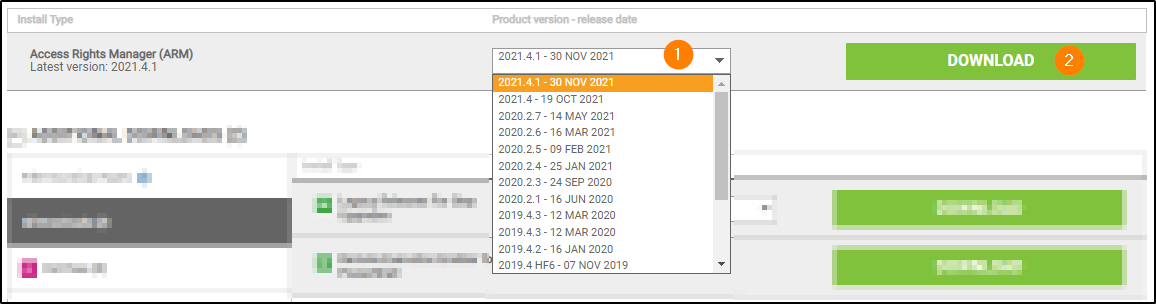
1. Download to your ARM server the latest version of ARM from the SolarWinds Customer Portal (https://customerportal.solarwinds.com/).
2. Unzip the package if needed (for older versions).
3. Right-click the install and select Run As Administrator.
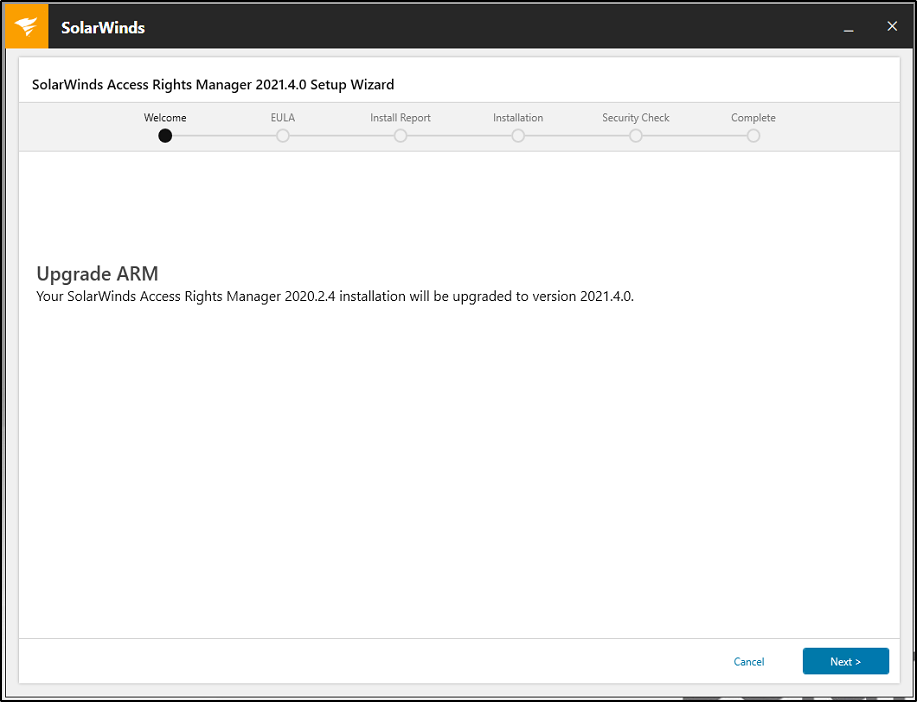
4. ARM will recognize this is an upgrade
5. Accept the terms of the License Agreement.
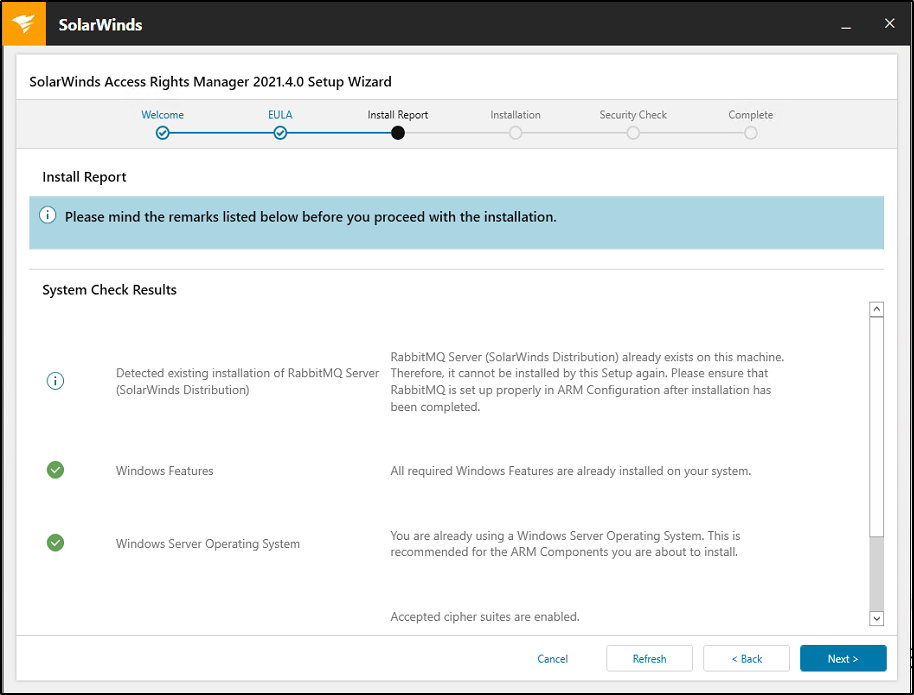
6. The upgrade will start and will check if your server meets the requirements.
1. Download to your ARM server the latest version of ARM from the SolarWinds Customer Portal (https://customerportal.solarwinds.com/).
2. Unzip the package if needed (for older versions).
3. Right-click the install and select Run As Administrator.
4. ARM will recognize this is an upgrade
5. Accept the terms of the License Agreement.
6. The upgrade will start and will check if your server meets the requirements.
7. The upgrade will complete and you will see SolarWinds Access Rights Manager was successfully upgraded to latest version.
8. The ARM server will began upgrading all the Collectors automatically.