
Security Compliance
Unable to save settings for Access Rights Manager ARM
ARM settings (server credentials and SQL credentials) are not permanently stored.
First published date
11/27/2019 5:22 PM
Last published date
11/27/2019 5:22 PM
Overview
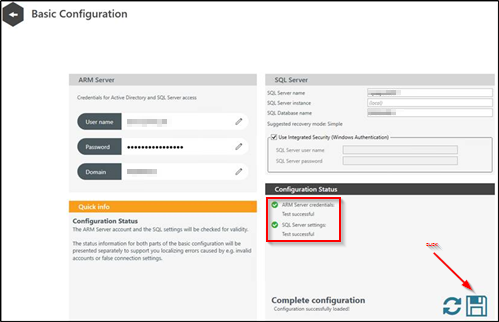
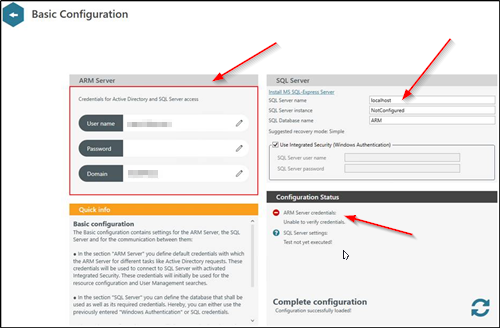
During running ARM Config and supplying correct credentials (ARM server credentials and SQL Server credentials) application seem to accept these credentials and follows up with service restart. Yet after service restart credentials seem to be lost (not saved).

Product section
Access Rights Manager
Cause
Root cause of behavior has not been identified yet.
Resolution
To resolve this issue replace ARM Server configuration file (pnServer.config.xml). To do so:
- navigate to c:\ProgramData\protected-networks.com\8MAN\cfg\
- rename the file pnServer.config.xml to pnServer.config.xml.OLD
- restart ARM Service using Windows Service Manager
- run ARM Config again and follow configuration steps