
Network Management
Unable to install APE or AWS "An existing connection was forcibly closed by the remote host"
This article shows how to resolve an issue when installing an Additional Polling Engine or an Additional Web Server which keeps showing "An existing connection was forcibly closed by the remote host" error message.
First published date
5/5/2020 10:09 PM
Last published date
2/10/2025 2:25 AM
Overview
During the process of installing an APE or AWS, the new server needs to contact the primary Orion server and access the Orion Web Console to download the installation files.
Doing so, getting an error similar below:
The communication to the main polling engine server failed
An existing connection was forcibly closed by the remote host
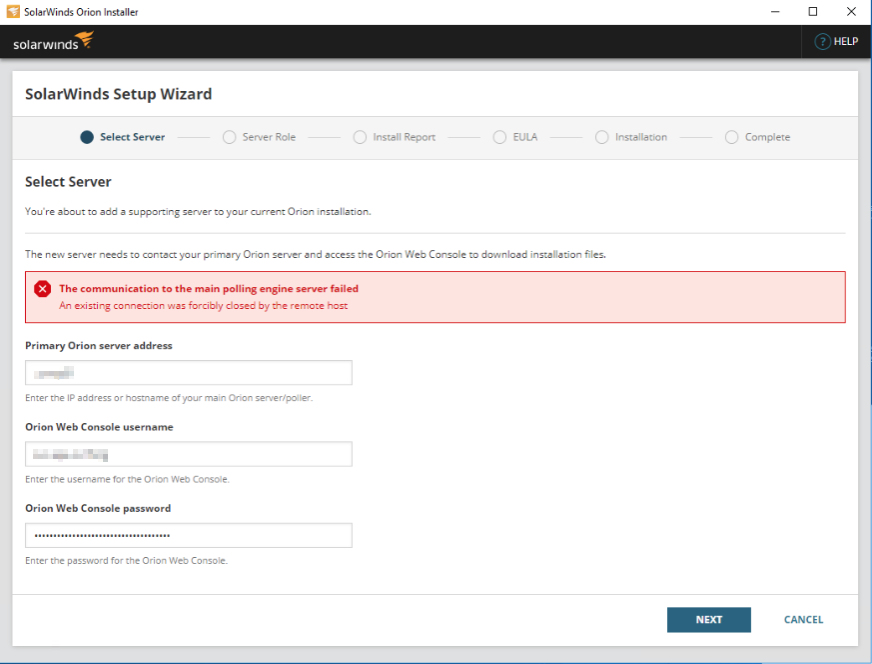
Doing so, getting an error similar below:
The communication to the main polling engine server failed
An existing connection was forcibly closed by the remote host
Product section
Orion Platform
Cause
- An issue with Encryption Algorithm on both servers
- Firewalls are overly aggressive even if ports are confirmed open
Resolution
For a possible issue with the Encryption Algorithm on both servers:
Proceed on verifying any Firewalls that are overly aggressive even if ports are open but protocol matching is on. Try to turn off protocol matching (or set it to "ANY"). Re-run the installation again.
- Download and Install the IIS Crypto tool in Nortac Website ( https://www.nartac.com/Products/IISCrypto/ )
- Apply the Best Practice on both servers and reboot
- Re-run the installation again
Proceed on verifying any Firewalls that are overly aggressive even if ports are open but protocol matching is on. Try to turn off protocol matching (or set it to "ANY"). Re-run the installation again.