
Network Management
"Loading Error Sorry for the disturbance, we were not able to load the resources. Please try again" when trying add a Cloud account to SolarWinds Platform,
During the Add Cloud Account wizard and choosing the "Resource Monitoring Method", the following error message may appear: Loading error Sorry of the disturbance, we were not able to load the resources
First published date
11/10/2023 5:57 PM
Last published date
2/21/2025 10:05 PM
Overview
When trying to add a cloud account to SolarWinds Platform, the following message will appear:
Loading Error
Sorry for the disturbance, we were not able to load the resources. Please try again
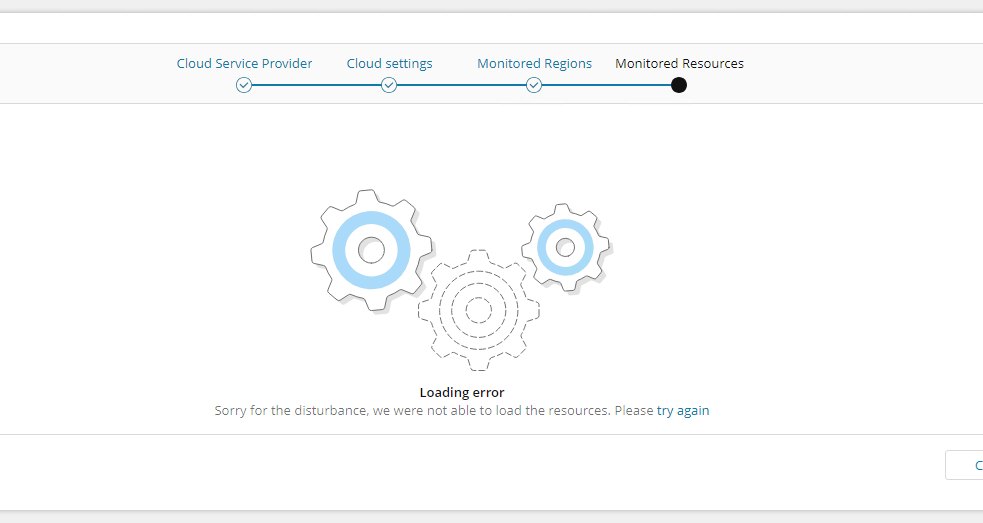
Loading Error
Sorry for the disturbance, we were not able to load the resources. Please try again
Product section
Network Performance Monitor
Cause
This caused by insufficient permission on the account used.
Creating a new user account in Orion, the default setting for IPAM (IP Address Manager) Roles & Permissions is 'Read Only'. This setting proves insufficient for executing a POST request necessary to add a cloud account. However, by upgrading the Roles & Permissions to either 'Power User' or 'Admin' level, you will gain the capability to add a cloud account successfully.
Creating a new user account in Orion, the default setting for IPAM (IP Address Manager) Roles & Permissions is 'Read Only'. This setting proves insufficient for executing a POST request necessary to add a cloud account. However, by upgrading the Roles & Permissions to either 'Power User' or 'Admin' level, you will gain the capability to add a cloud account successfully.
Resolution
To resolve this problem, please perform the following steps:
- Login to the SolarWinds Platform with administrator rights.
- Navigate to Settings → All Settings → Manage Account.
- Select account with insufficient permissions
- Click Edit
- Expand IP Address Manager Settings section, change ‘IPAM Roles & Permissions’ to 'Power User' or 'Admin'.