
Security Compliance
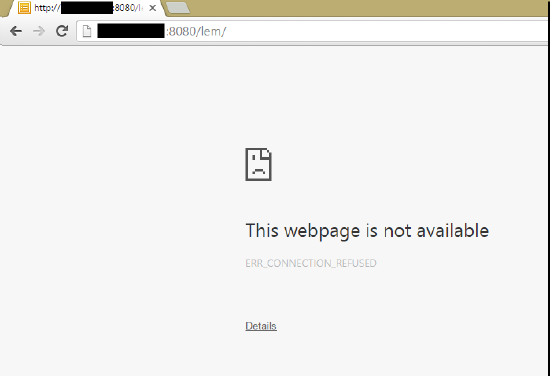
This webpage is not available error for all versions of SEM
First published date
10/18/2018 7:50 PM
Last published date
10/18/2018 7:50 PM
Overview
The webpage is not available error can relate to several potential issues. In this instance, the error will display if Security Event Manager (formerly Log & Event Manager) is not serving the web console page to be able to sign in and review data.
Product section
Security Event Manager
Cause
This error can have multiple causes. Check the steps below to rule them out and follow the relevant process to resolve the issue.
Resolution
- Verify that the VM is running in Hyper-V or VMWare.
- If you are using the host name in the URL of SEM, try the IP address to make sure that there isn't an issue with DNS resolution.
- Verify that you're using the full SEM web address when accessing the web console:
- http://<ip or hostname>:8080/sem/ for non-secure access.
- https://<ip or hostname>:8443/sem/ for secure access.
- Access the CMC shell via the VM console or SSH: Use an SSH client to connect to your SEM Appliance
- If any of the listed partitions are full, review the SEM partition is 100% full article for guidance.
If these steps have not resolved the issue, contact SolarWinds Customer Support.