
Network Management
There are limited web resources when adding widgets on the Orion web console dashboard
This article discusses on how to address the issue if there are few web resources available when trying to add a widget
First published date
12/2/2019 11:10 PM
Last published date
10/4/2022 10:24 AM
Overview
There are limited web resources when adding widgets and only Performance Analysis reports are mostly available
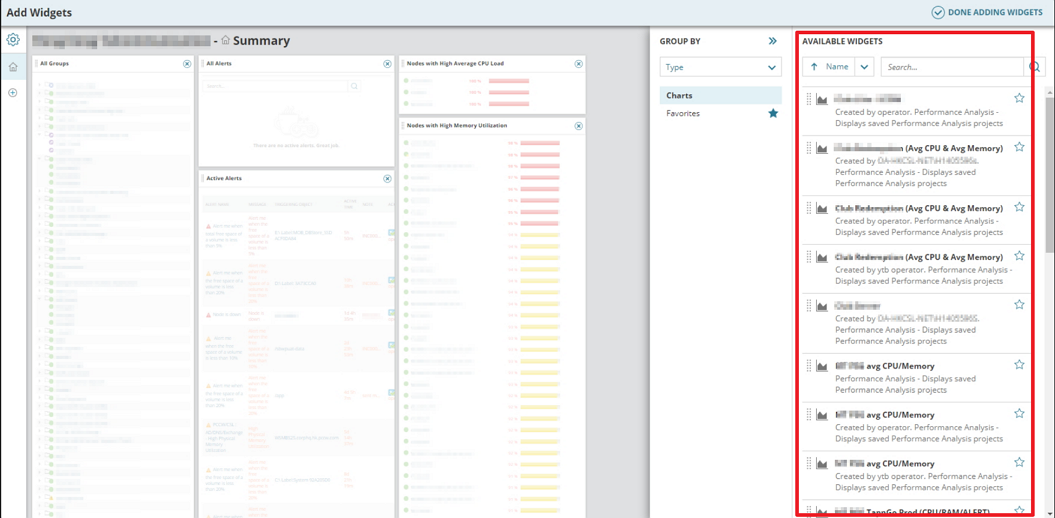
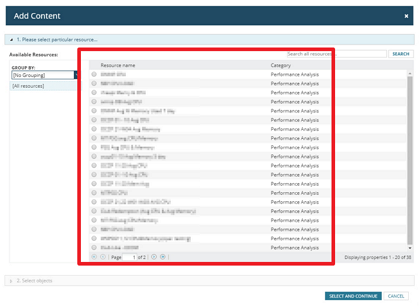
Product section
Network Performance Monitor
Cause
N/A
Resolution
- Log in to your Orion Server
- Go to C:\ProgramData\SolarWinds\Orion
- Move the file "WebResourceCache.xml" to another location
- Open a command prompt with admin privileges then execute the command "IISreset"
- Log in to your web console and check again