
Network Management
The Controls collection cannot be modified because the control contains code blocks
When logging in to the Orion Console and access the Nodes Detail page, you get the error: Error:<The Controls collection cannot be modified because the control contains code blocks such as <% ... %>.
First published date
11/20/2018 4:43 PM
Last published date
3/18/2022 8:12 AM
Overview
• When logging in to the Orion Console and access the Nodes Detail page, you get the error:
Error:<The Controls collection cannot be modified because the control contains code blocks (i.e. <% ... %>)>
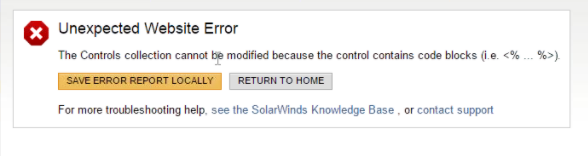
NPM 2020.2
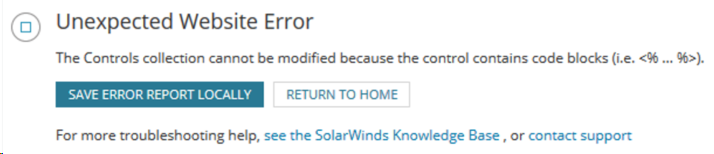
• This behavior can also be seen in interface details page.
Error:<The Controls collection cannot be modified because the control contains code blocks (i.e. <% ... %>)>
NPM 2020.2
• This behavior can also be seen in interface details page.
Product section
Network Performance Monitor
Cause
This may occur when some of the resources included in the Node Details are not loading properly.
Resolution
- Go to Settings > All Settings > Manage Views.
- Select Node Details - Summary.
- Click Edit.
- Delete all the resources.
- Click Save.
- Re-add back all the resources deleted.
- Check if the page can now load correctly.
For Step 2, select Interface details - Summary
In environments where User Device Tracker is also installed, this issue may be caused by the Port Details widget, and removing this from the view resolves the error.