
Network Management
Syslog troubleshooting for Orion Platform
This article provides information on how to troubleshoot issues when the Orion server is not receiving syslog messages.
First published date
10/31/2018 7:10 PM
Last published date
9/13/2022 7:08 AM
Overview
If you are having trouble receiving syslog messages from devices configured to send Syslog messages to your Orion server and are seeing the message below:
Legacy Syslog View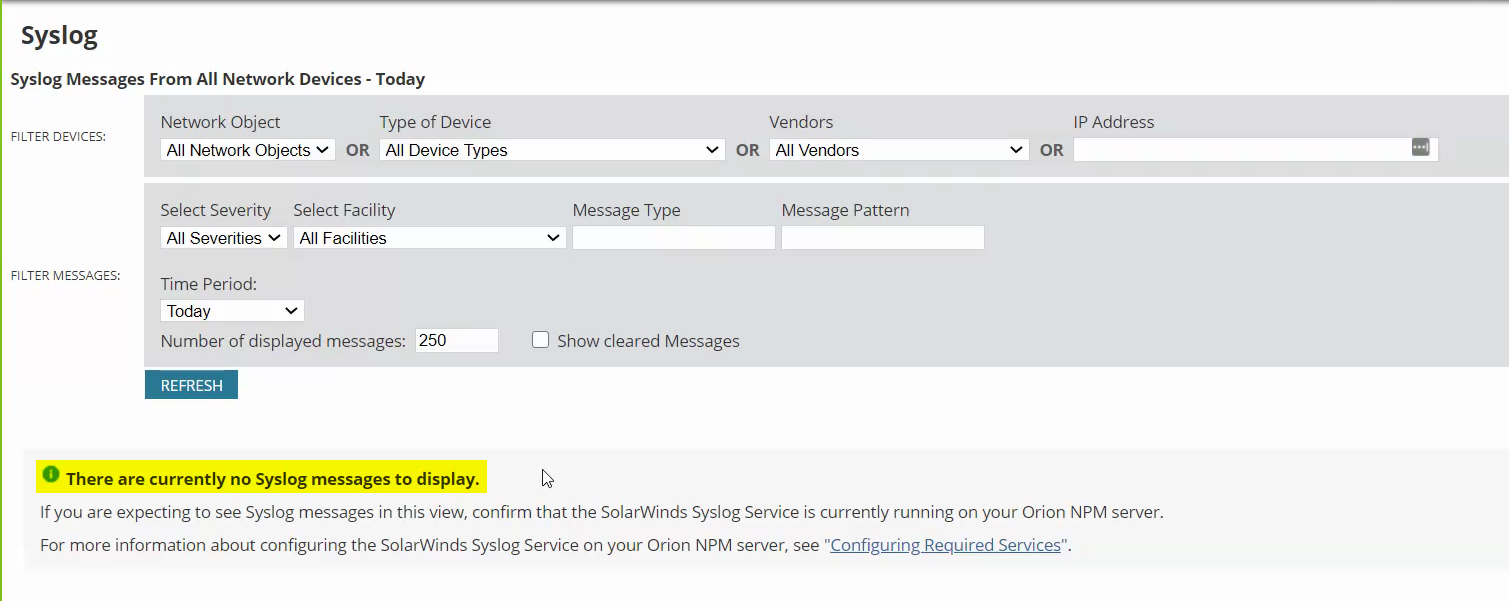
OLV Orion View
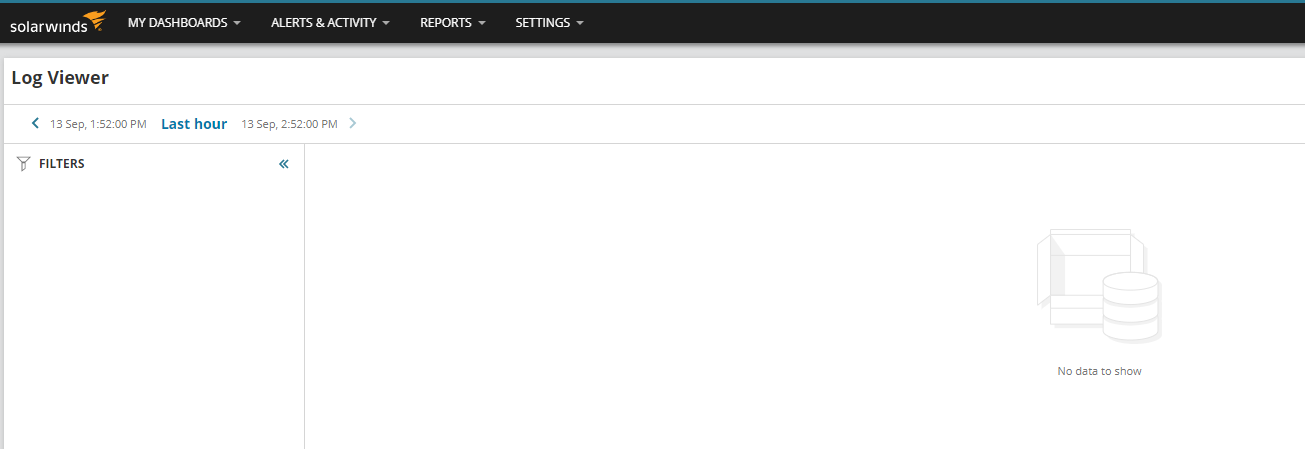
Another Option:
If node is running on AWS EC2 and as a virtual node, make sure the "Enable Security Group from AWS EC2" is enabled.
Legacy Syslog View
OLV Orion View
Another Option:
If node is running on AWS EC2 and as a virtual node, make sure the "Enable Security Group from AWS EC2" is enabled.
Product section
Orion Platform
Cause
- Devices from which to receive Syslog messages are monitored but are not configured to send Syslog messages to the correct IP address of the Orion server
Resolution
To troubleshoot Syslog issues:
- Check the Syslog Services if it's running
- Verify if default port (514 UDP) is bonded to Orion Syslog Service
- Enter the following command:
netstat -aon
Disclaimer: Scripts are not supported under any SolarWinds support program or service. Scripts are provided AS IS without warranty of any kind. SolarWinds further disclaims all warranties including, without limitation, any implied warranties of merchantability or of fitness for a particular purpose. The risk arising out of the use or performance of the scripts and documentation stays with you. In no event shall SolarWinds or anyone else involved in the creation, production, or delivery of the scripts be liable for any damages whatsoever (including, without limitation, damages for loss of business profits, business interruption, loss of business information, or other pecuniary loss) arising out of the use of or inability to use the scripts or documentation.
- Confirm that you are seeing UDP 514.
- Confirm that all installed firewalls, including Windows Firewall and any third-party installed firewalls, allow traffic to and from your Orion server on port 514.
- Confirm that your Orion server can receive syslog messages, using the Kiwi Syslog generator free tool, as follows:
- Download and install the free Kiwi Syslog.
- Generate syslog messages with the Kiwi Syslog Server, and send them to your Orion server. For more information, see the Kiwi Syslog Gen documentation available in the download.
- Generate syslog messages with the Kiwi Syslog Server, and send them to your Orion server. For more information, see the Kiwi Syslog Gen documentation available in the download.
- Confirm that the devices from which you want to receive syslog messages are monitored and configured to send syslog messages to the correct IP address for your Orion server.
- Install Wireshark on the server and check if Syslogs are being received on the server or not. If not, then they need to check this on their end with the network team.
Note: This article applies to all Orion products.