
Database Management
SQL Sentry - Dashboard not populating
The Monitoring Services are running, but no data is displayed in the Dashboard, and the target status keeps going off. The software is acting as if data movement is being paused.
First published date
1/19/2024 5:54 PM
Last published date
1/21/2026 5:53 PM
Overview
The following will be true when running the common checks for data not populating.
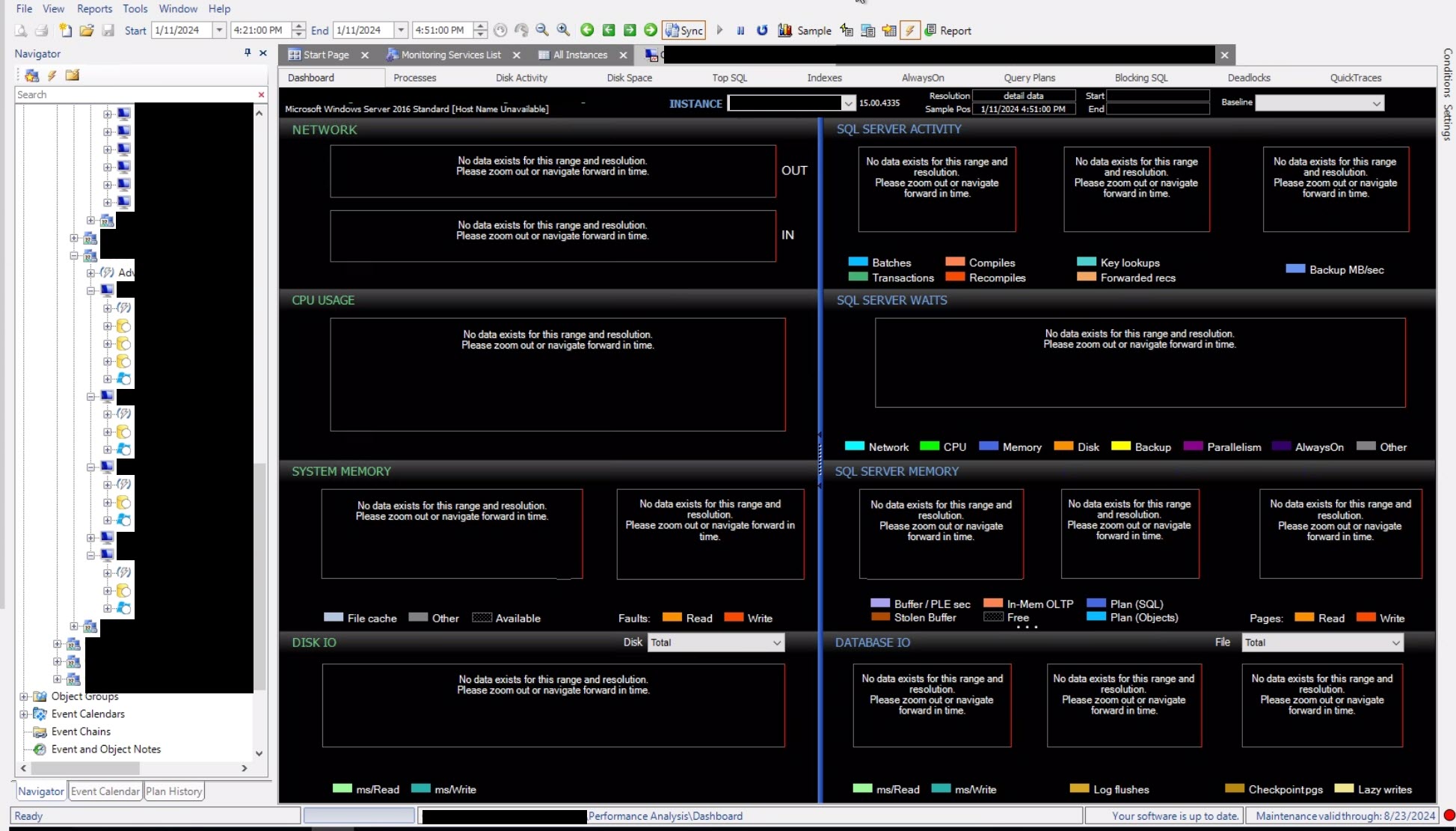
The Dashboard does not load any data, and there are gaps when looking at the SQL Sentry target itself, but no failed or timeout queries in Top SQL. Some targets will say monitoring is behind, that the Monitoring Service is not online, or that the target is not online.
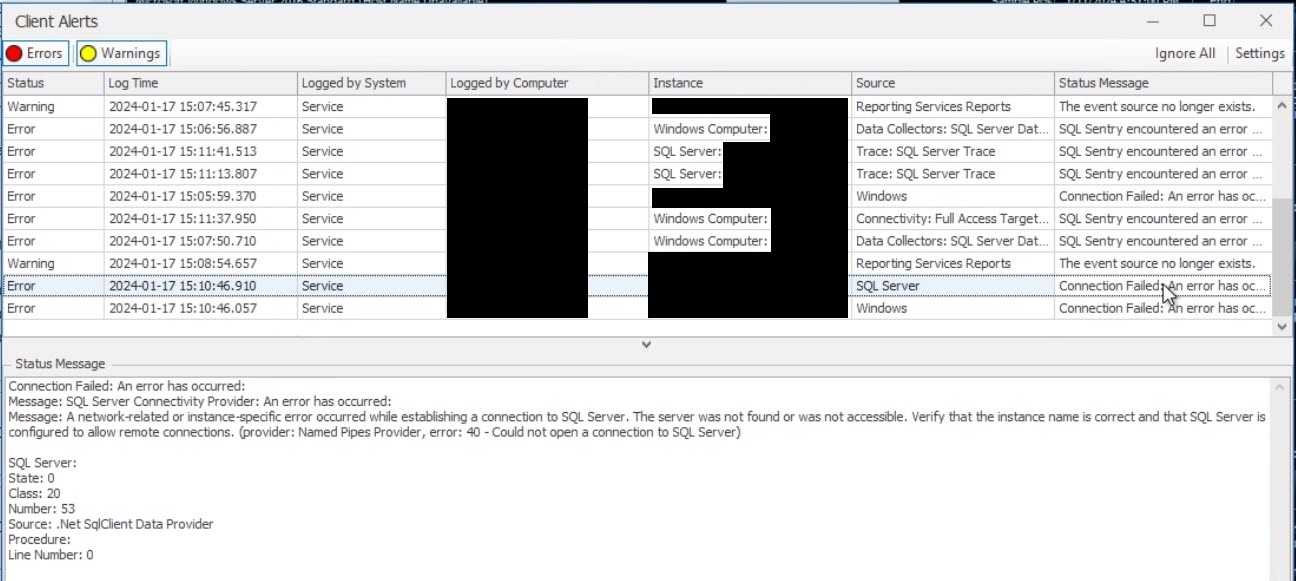
The System Status will have multiple "SQL Sentry encountered an error..." messages even though you can actively connect to the target from the Monitoring Service host machine using the Monitoring Service account.
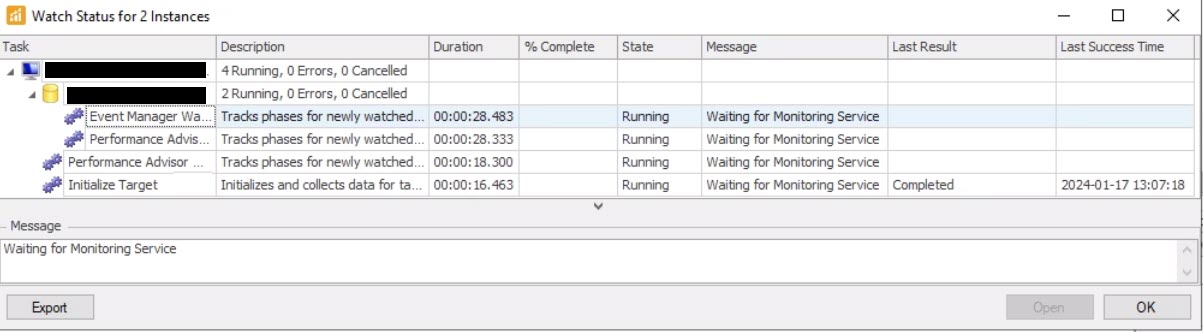
Attempting to rewatch a target results in long "Waiting for Monitoring Service" messages with little to no change in status.
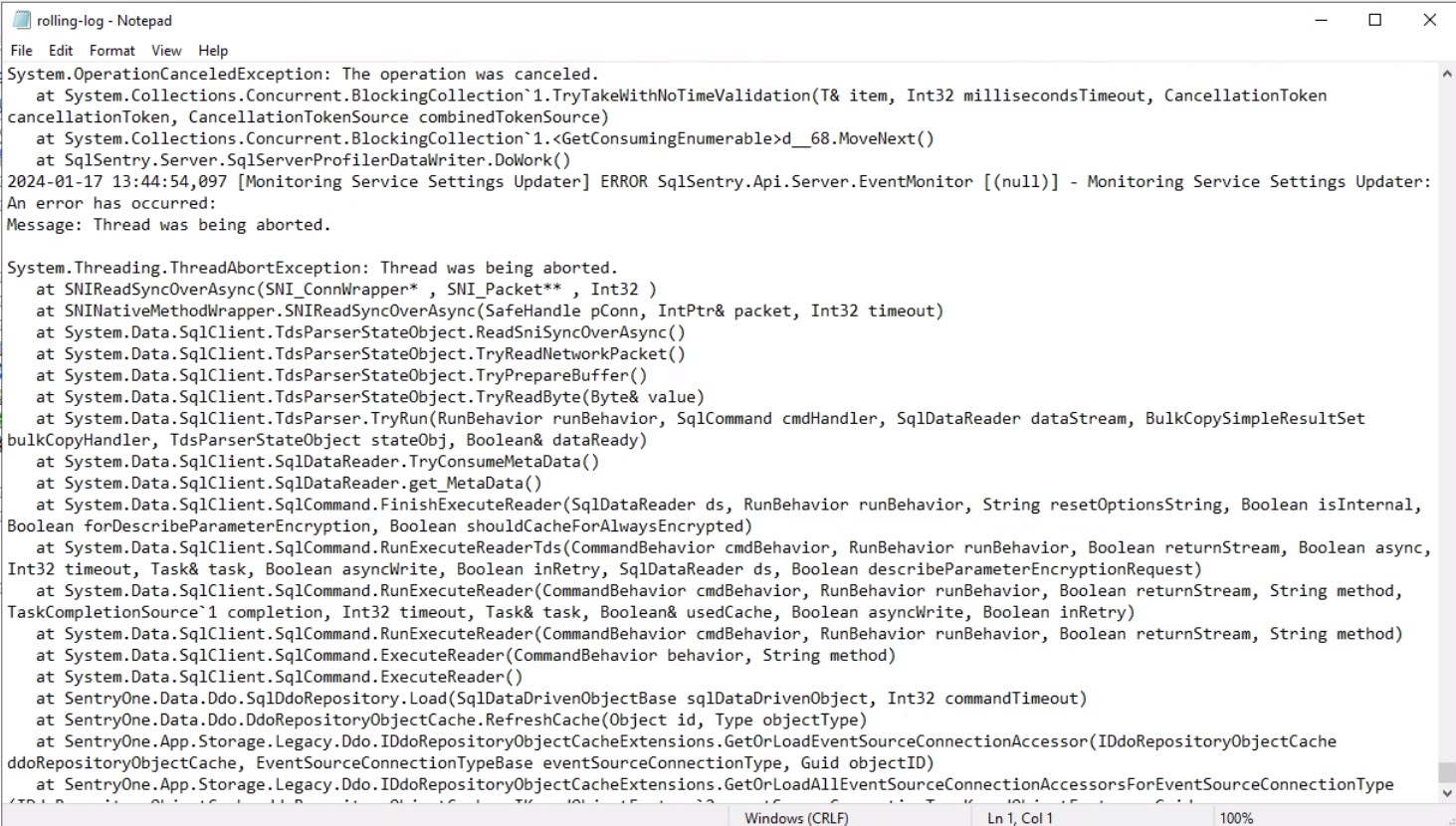
The rolling logs have multiple "Thread was being aborted" messages.
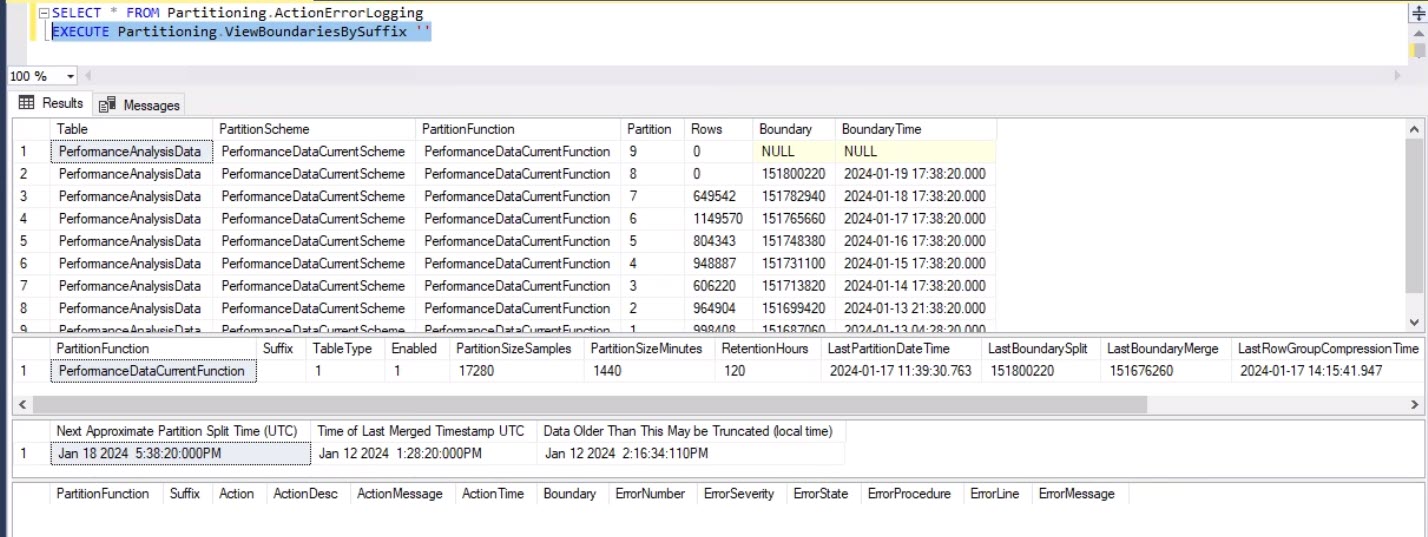
CCI checks for data stuck in staging, no failed partitions, and no partition errors in the log.
The Dashboard does not load any data, and there are gaps when looking at the SQL Sentry target itself, but no failed or timeout queries in Top SQL. Some targets will say monitoring is behind, that the Monitoring Service is not online, or that the target is not online.
The System Status will have multiple "SQL Sentry encountered an error..." messages even though you can actively connect to the target from the Monitoring Service host machine using the Monitoring Service account.
Attempting to rewatch a target results in long "Waiting for Monitoring Service" messages with little to no change in status.
The rolling logs have multiple "Thread was being aborted" messages.
CCI checks for data stuck in staging, no failed partitions, and no partition errors in the log.
Product section
SQL Sentry (SQLS)
Cause
The common criteria compliance option enables the several elements required for the Common Criteria for Information Technology Security Evaluation. This feature adds additional overhead, causing disconnects with the SQL Sentry DB.
Resolution
Turn off Common Criteria Compliance and restart the SQL server hosting the SQL Sentry DB. See Enable common criteria compliance configuration for more information.