
Applications Systems
SCM out-of-the-box Profile for IIS is flapping
IIS profile is detecting changes every minute (every poll) even though no changes are being shown in the differences. Every minute the IIS profile is failing. No changes are being made yet changes are detected.
First published date
7/28/2020 7:52 AM
Last published date
7/28/2020 7:52 AM
Overview
There is an active known issue in versions of SCM 2020.2 and earlier in which the SCM profile for IIS appears to be detecting a new change every minute The behavior witnessed seems to be a failed poll followed by a subsequent poll that successfully polls The second subsequent poll detects a change to the configuration file. However, if you view the differences found in the configuration file, none exist
Here is an example of the flapping behavior:
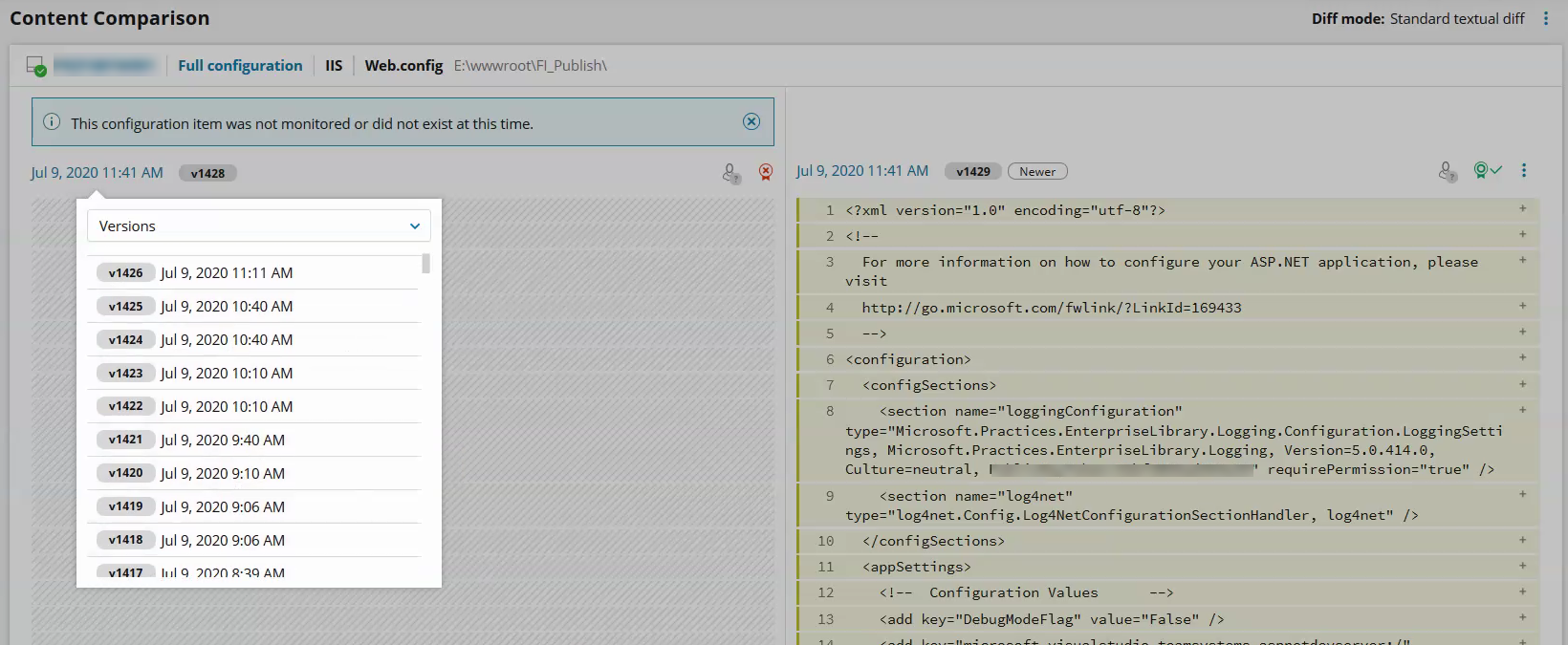
Here is an example of the flapping behavior:
Product section
Server Configuration Monitor
Cause
This behavior is caused by additional backslash at the end of physical path of website in applicationHost.config file. It is not standard (IIS creates physical path without backslash at the end) but it is allowed (C:\Windows\System32\inetsrv\config\applicationHost.config).
Resolution
A workaround exists in the interim until the SCM development team is able to apply an official fix to this behavior. The workaround (if acceptable to the customers' environment)
See also:
SCM out-of-the-box Hardware/Software Inventory Flapping Behavior
- Open C:\Windows\System32\inetsrv\config\applicationHost.config for edit on target machine.
- Find following line in this file:
- Remove the backslash from the end of physical path:
- Save the file
See also:
SCM out-of-the-box Hardware/Software Inventory Flapping Behavior