
Network Management
Required Permissions to process IP Address requests in IPAM
This article will explain what permission needed for the user to process IP address requests.
First published date
7/28/2020 12:39 AM
Last published date
8/9/2022 8:02 PM
Overview
Within IPAM there are several roles with differing permissions, and Admin allows creating and editing subnets, as well as requesting IP addresses.
However, even with the Admin role in IPAM, IP address requests cannot be processed from the Active Alerts page.
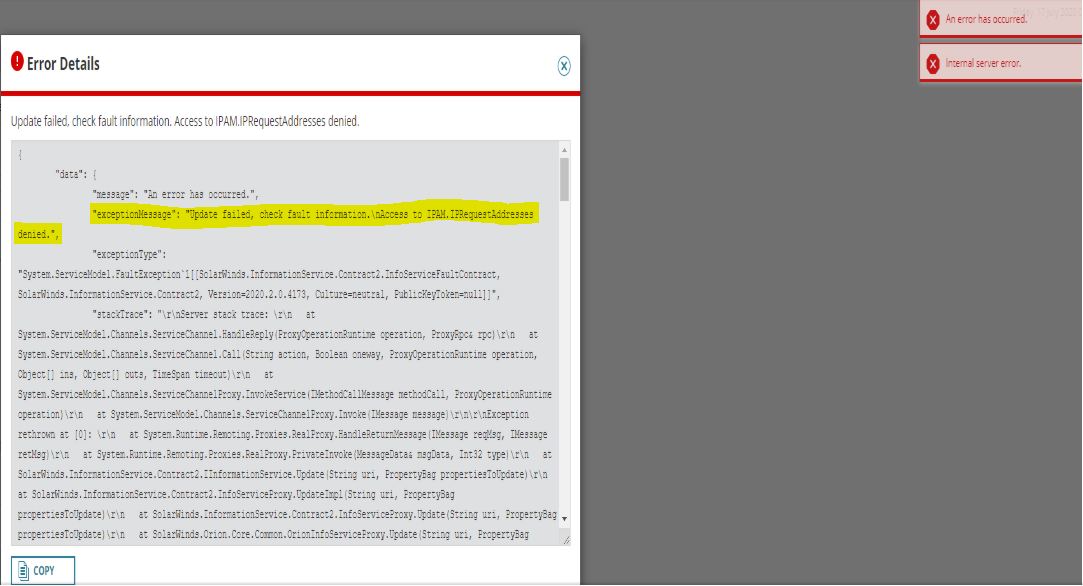
Attempting to accept or deny the request displays the following error:
However, even with the Admin role in IPAM, IP address requests cannot be processed from the Active Alerts page.
Attempting to accept or deny the request displays the following error:
Product section
IP Address Manager
Cause
Missing Orion Permissions.
Resolution
IP Address Requests are processed through the Alerts page, which by design requires Orion Administrator rights to fully make changes. Ensure that your users that need access to process IP Address Requests have at least Orion Admin rights granted on the page at Settings > All Settings > Manage Accounts.