
Tools
Remote Machine Wallpaper shows Blank / Black during DRE Remote Session
This article is to address the Remote Machine Wallpaper shows Blank / Black during DRE Remote Session.
First published date
8/17/2022 7:12 AM
Last published date
7/27/2023 4:35 PM
Overview
There are instances wherein when you connect to the target device, the desktop image will become black, and then when you disconnect, it will go back to the original desktop image.
This is common for machines that have an accelerated hardware version.
Sometimes when disconnected, the desktop image doesn't always come back and stays black or blank.
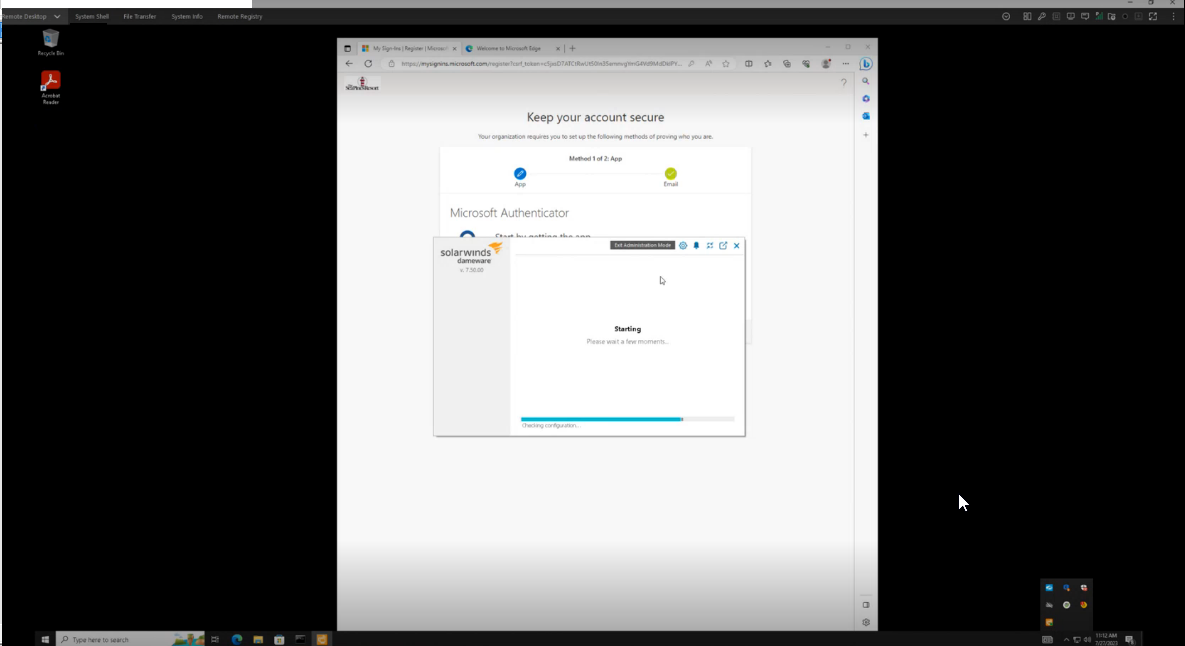
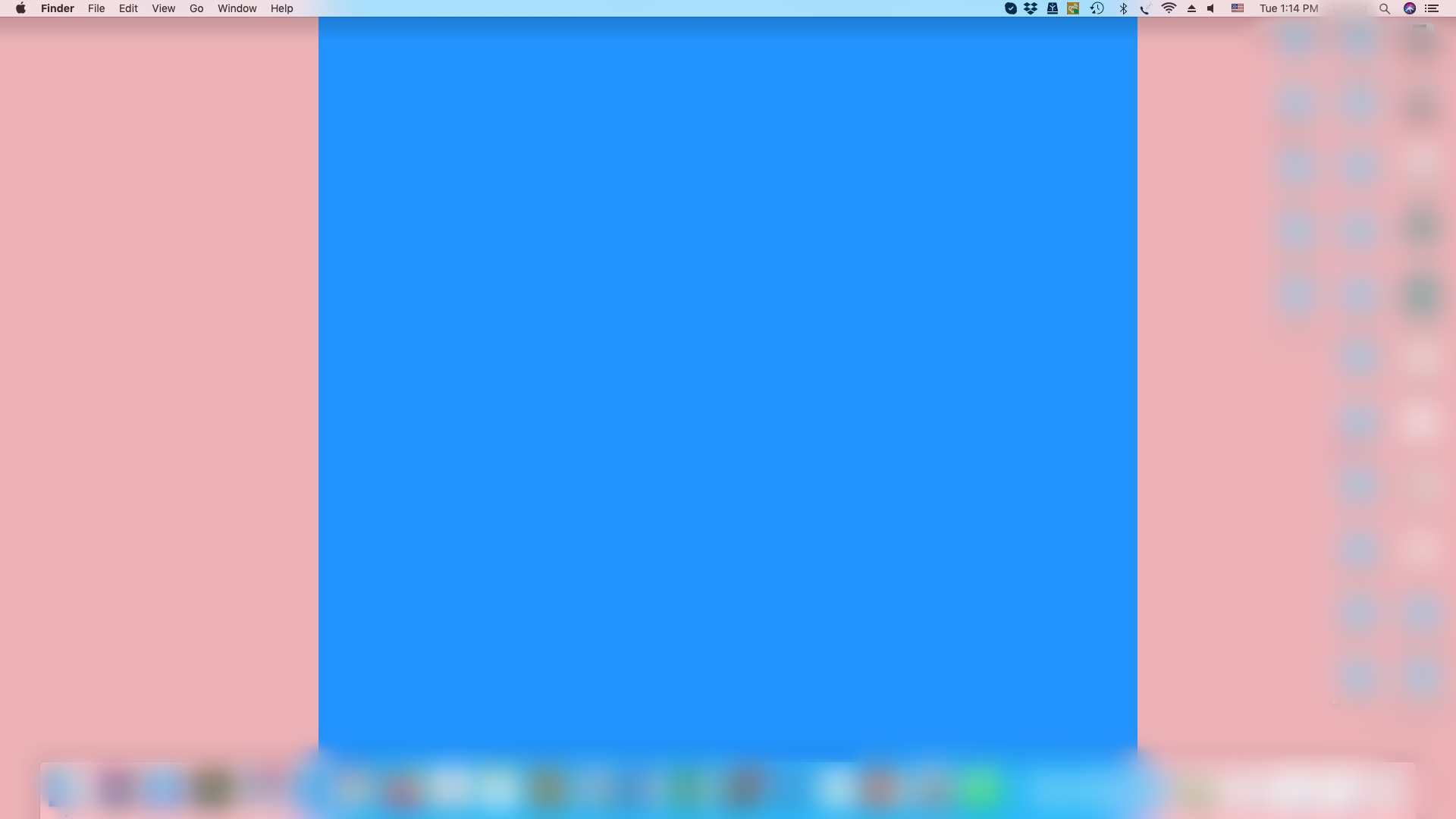
(Screenshots property of © 2022, Apple.inc)
This is common for machines that have an accelerated hardware version.
Sometimes when disconnected, the desktop image doesn't always come back and stays black or blank.
(Screenshots property of © 2022, Apple.inc)
Product section
Dameware Remote Everywhere
Cause
Issue due to desktop optimization settings in Dameware
Resolution
- Open Agent/Applet
- Click the Settings (Gear Icon)
- You need to Enter Administration Mode to do this.
- Uncheck the "Optimize desktop settings when in session" to disable this feature.
- Restart the Agent Service from the Settings (Gear Icon)
- Reconnect