
Network Management
RabbitMQ troubleshooting and purging SwisPubSub Queue on the Orion Platform
Sometimes it maybe necessary to clear RabbitMQ SwisPubSub queue if troubleshooting SolarWinds Information Service issue. If you are migrating your Orion products to a new server, you may also need to complete a purge. For more information on migrations, see the SolarWinds Migration Guide.
First published date
10/25/2018 12:11 PM
Last published date
1/31/2025 12:53 PM
Overview
Sometimes it maybe necessary to clear the RabbitMQ SwisPubSub queue when troubleshooting a SolarWinds Information Service issue. If you are migrating your Orion products to a new server, you may also need to complete a purge. For more information on migrations, see the SolarWinds Migration Guide.
Note: Completing these instructions may require administrator access.
Product section
Orion Platform
Cause
Large number of RabbitMQ SwisPubSub Queues
Resolution
Applies to:
Orion Platform products 2016.1 and later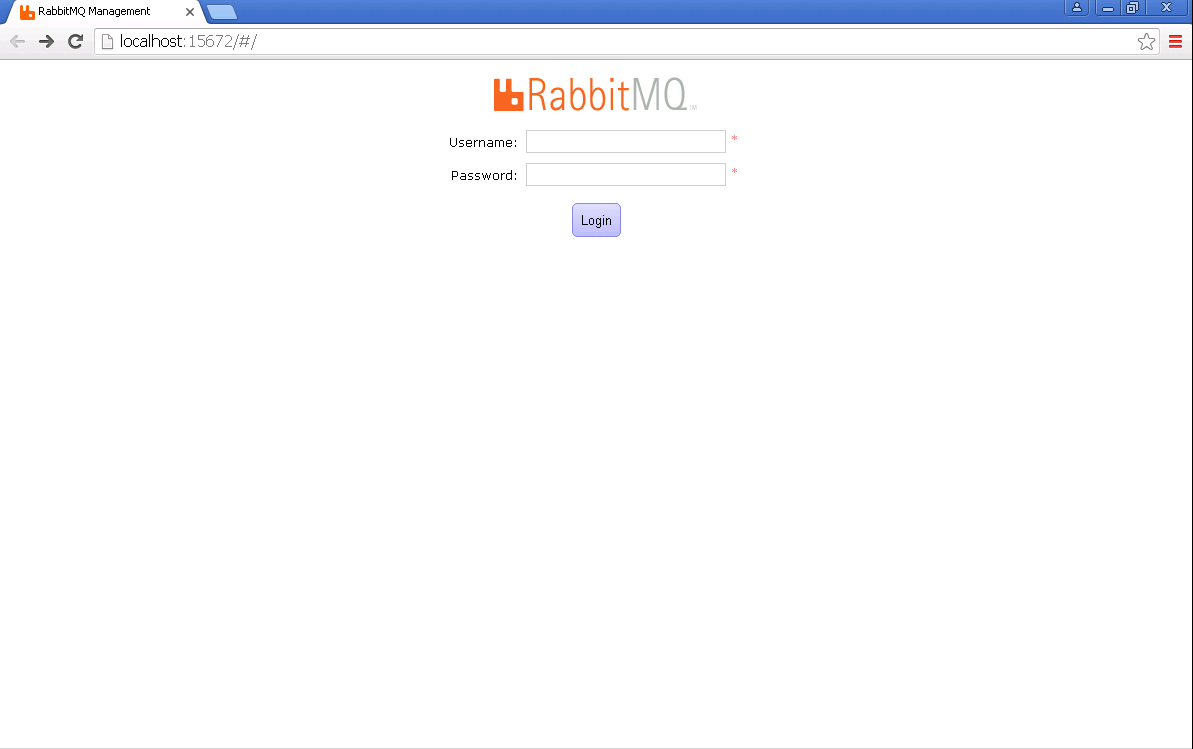

The clearing of data may take a little time. You should expect slowness in the console behavior, which should revert to normal when complete. You may need to restart services.
Orion Platform products 2016.1 and later
- Go to the File Explorer Windows app on the Main Orion server (only) to <InstallationPath>\Program Files (x86)\SolarWinds\Orion by default.
- Right-click and Execute run as administrator for OpenRabbitMQConsole.exe.
- The CLI window will pop up and copy a password quickly and automatically to your clipboard.
- The default browser window will open with the console:
- Use "orion" as the username; please note that it is case-sensitive.
- Paste the password from the clipboard into the password prompt and log in.
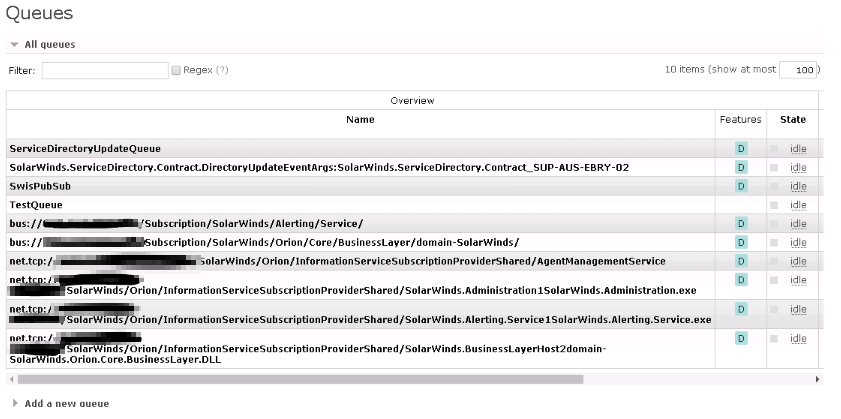
- Click the Queues tab.
- Click SwisPubSub under All Queues.
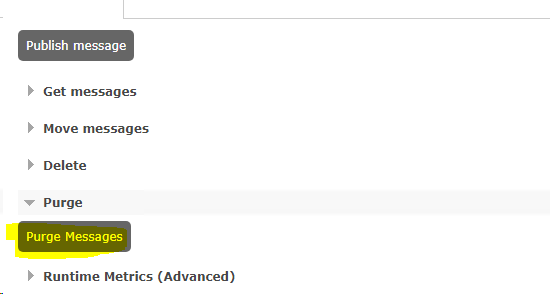
- Expand Delete / purge.
- Click Purge.
10b. Newer versions of Orion:
The clearing of data may take a little time. You should expect slowness in the console behavior, which should revert to normal when complete. You may need to restart services.