
Security Compliance
Patch Manager-Lenovo Packages Fail to Publish due to needing a prerequisite package published.
Patch Manager-Lenovo Packages Fail to Publish due to needing a prerequisite package published.
First published date
7/25/2020 3:46 AM
Last published date
7/28/2020 9:21 PM
Overview
Patch Manager-Lenovo Packages Fail to Publish due to needing a prerequisite package published.
The prerequisite doesn't exist in the catalog in Patch Manager.
Product section
Patch Manager
Cause
Patch manager doesn't currently support the publishing of Detectoid packages.
Resolution
In order to install Lenovo package, you have to install the following Microsoft tool.
This package can be installed on the WSUS or PM server
Microsoft 3rdParty Tool 'System Center Updates Publisher': https://www.microsoft.com/en-us/download/details.aspx?id=55543
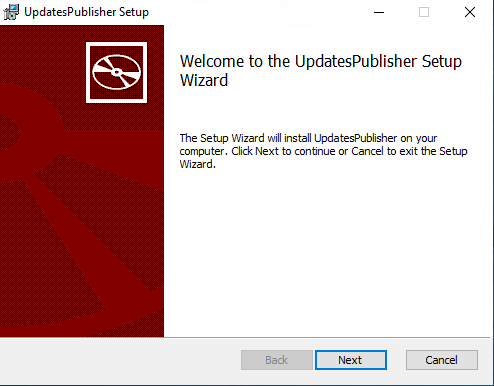
Run the installer
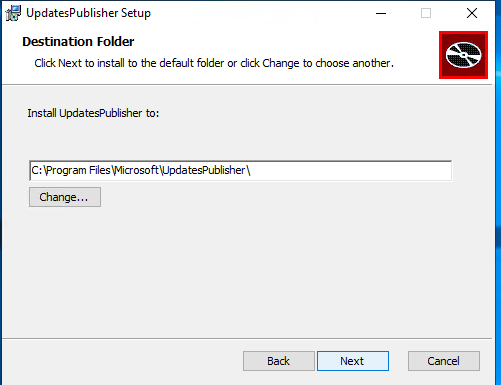
Pick the path
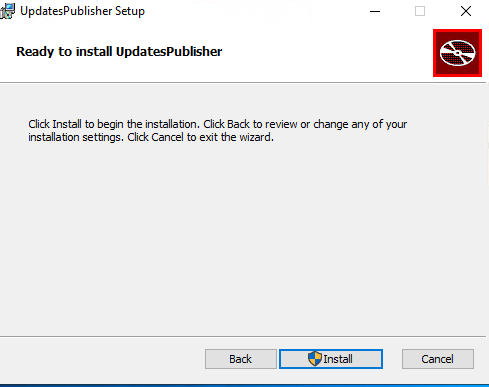
Click next and install
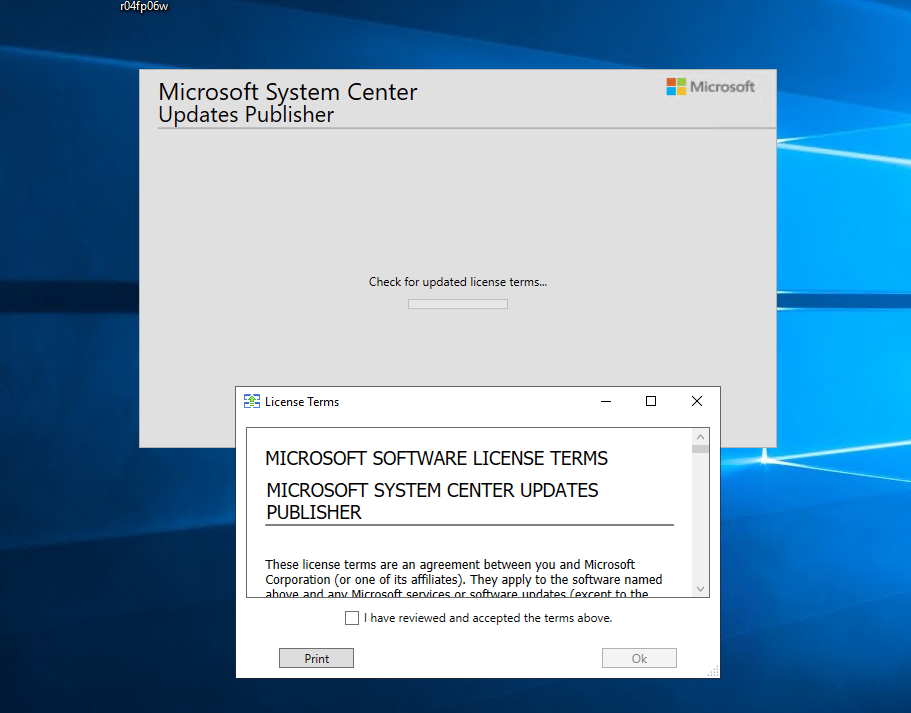
The System Center Update Publisher will install
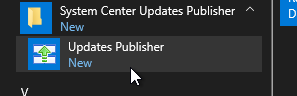
After the install, the software is under the start menu
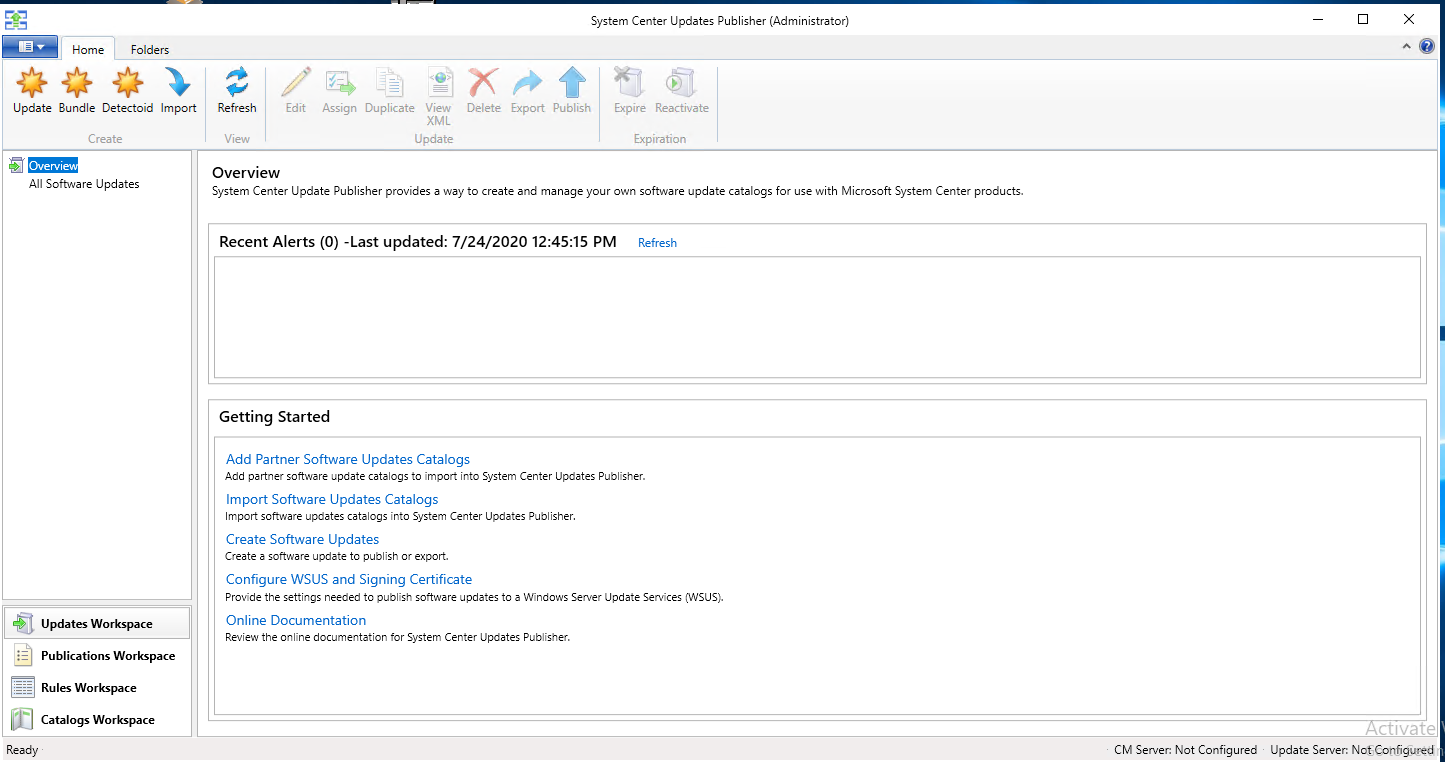
Below is the System Update
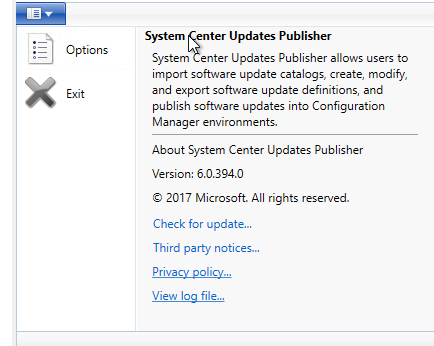
Go to options
Select Update Server - You don't need to generate a cert, it will use the cert that was imported.
Download the catalog
https://download.lenovo.com/luc/v2/LenovoUpdatesCatalog2v2.cab
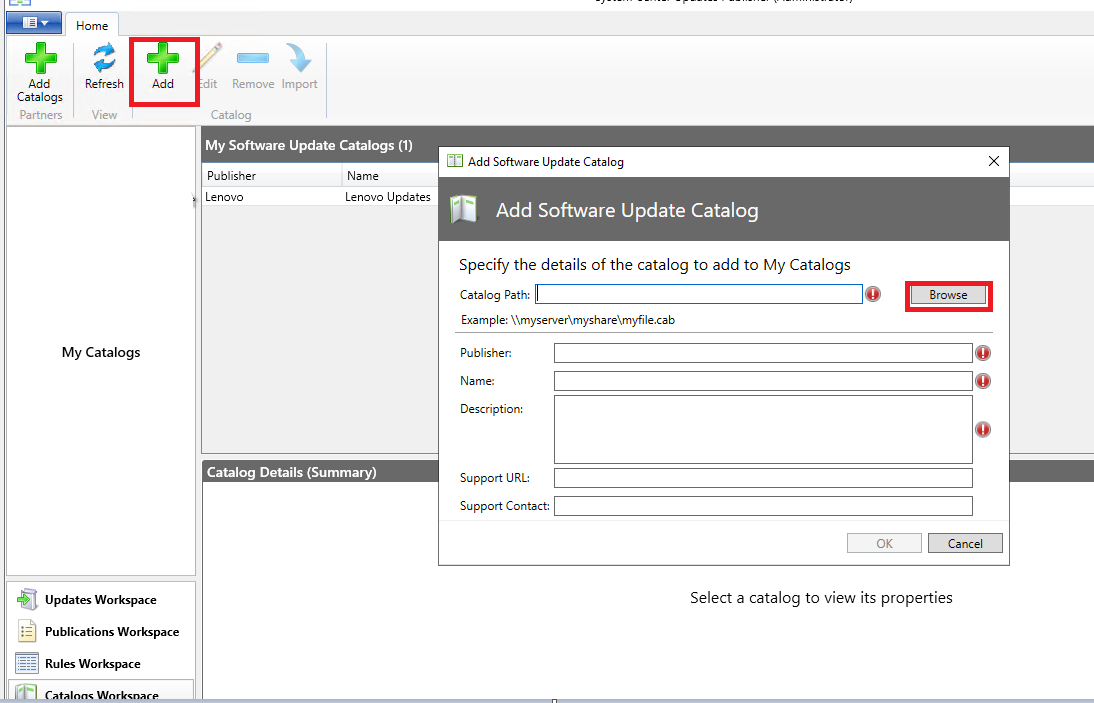
Click add and browse to the downloaded .cab file above
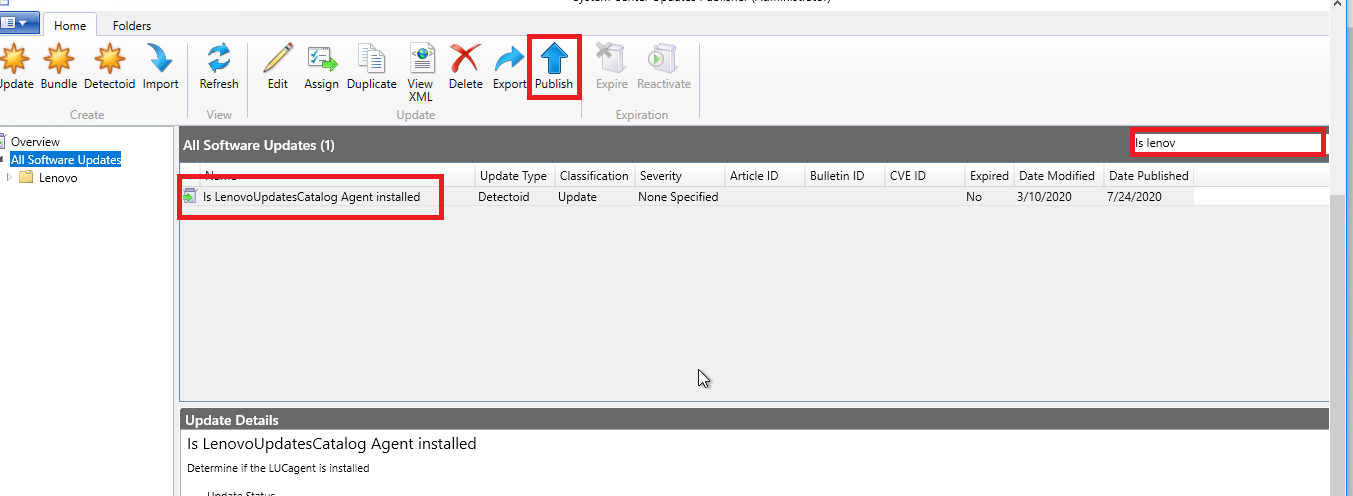
Do a search for the Package below:
Is LenovoUpdateCatalog Agent installed
Click publish to send this to the WSUS(This will need to go all WSUS's in your environment)
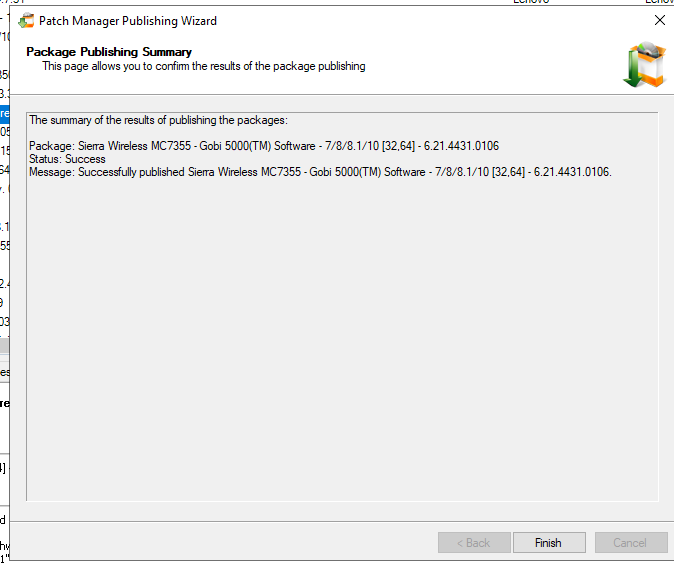
After the prerequisite has been published, you can publish all of the Lenovo packages
Disclaimer: Please note, any content posted herein is provided as a suggestion or recommendation to you for your internal use. This is not part of the SolarWinds software or documentation that you purchased from SolarWinds, and the information set forth herein may come from third parties. Your organization should internally review and assess to what extent, if any, such custom scripts or recommendations will be incorporated into your environment. You elect to use third party content at your own risk, and you will be solely responsible for the incorporation of the same, if any.
This package can be installed on the WSUS or PM server
Microsoft 3rdParty Tool 'System Center Updates Publisher': https://www.microsoft.com/en-us/download/details.aspx?id=55543
Run the installer
Pick the path
Click next and install
The System Center Update Publisher will install
After the install, the software is under the start menu
Below is the System Update
Go to options
Select Update Server - You don't need to generate a cert, it will use the cert that was imported.
Download the catalog
https://download.lenovo.com/luc/v2/LenovoUpdatesCatalog2v2.cab
Click add and browse to the downloaded .cab file above
Do a search for the Package below:
Is LenovoUpdateCatalog Agent installed
Click publish to send this to the WSUS(This will need to go all WSUS's in your environment)
After the prerequisite has been published, you can publish all of the Lenovo packages
Disclaimer: Please note, any content posted herein is provided as a suggestion or recommendation to you for your internal use. This is not part of the SolarWinds software or documentation that you purchased from SolarWinds, and the information set forth herein may come from third parties. Your organization should internally review and assess to what extent, if any, such custom scripts or recommendations will be incorporated into your environment. You elect to use third party content at your own risk, and you will be solely responsible for the incorporation of the same, if any.