
Network Management
How to pull a UnDP chart and add as a resource to the managed view in NPM
Steps for pulling a UnDP chart and adding to your managed view in NPM
First published date
4/29/2019 8:31 PM
Last published date
7/10/2021 2:10 PM
Overview
This will serve as a step by step guide on how to use UnDP resource and place it in your custom view
Product section
Network Performance Monitor
Cause
-
Resolution
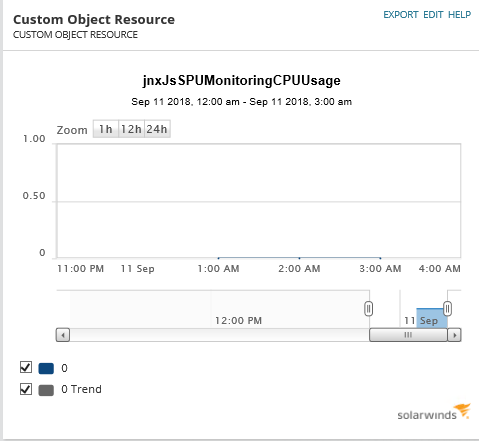
1. Use the custom object resource
2. Select node:
3. Select "Universal Device Poller Chart"
4. Click Edit and select desired UnDP > Submit > Submit