
Network Management
Configuration of an alert for specific VPN tunnels in NPM
This article will show you the condition needed in creating an alert for a specific VPN Tunnel in SolarWinds
First published date
7/8/2019 3:53 AM
Last published date
9/11/2023 12:02 AM
Overview
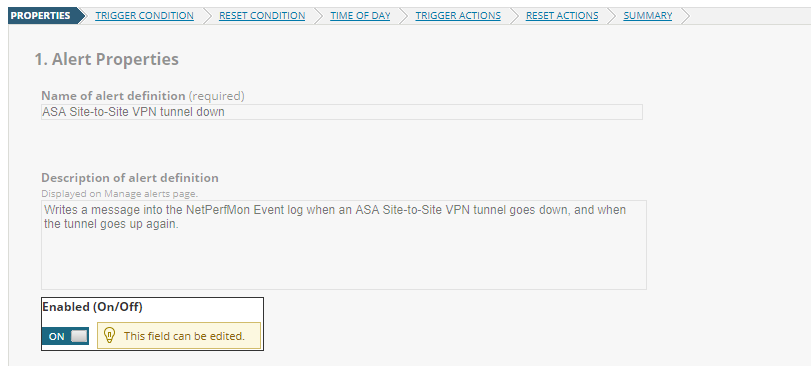
Solarwinds has a predefined alert for site-to-site VPN tunnels however this alert applies to all the ASA VPN Tunnels.
Product section
Network Performance Monitor
Cause
n/a
Resolution
- Go to Settings > All Settings
- Select Manage Alerts
- Click Add New Alert
- On the scope of alert select "Only following set of objects"
- Trigger Condition:
Alert on all objects where:
Site-to-Site VPN Tunnel - Caption - is equal to - 203.0.76.254 → 54.79.118.1
The actual trigger condition:
Site-to-Site VPN Tunnel - Status - is equal to - Down
- Trigger Condition:
- Fill up the other fileds as per requirements
- To identify the tunnel in an email, use the VPN Tunnel variable category and select Caption
- Save the Alert