
Applications Systems
Use WPM Recorder (Deprecated) but forces to upgrade to 3.0
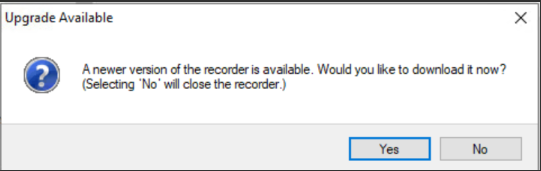
A window box appears "Upgrade Available" with message "A newer version of the recorder is available. Would you like to download it now? (Selecting 'No' will close the recorder.)" when using the deprecated recorder.
First published date
12/16/2019 4:44 PM
Last published date
12/16/2019 4:44 PM
Overview
This article provides the instructions on how to use the deprecated recorder (2.2) when it forces to upgrade to 3.0 or latest version.
Product section
Web Performance Monitor
Cause
Unknown
Resolution
Instructions:
1. Run the WPM Recorder (deprecated)
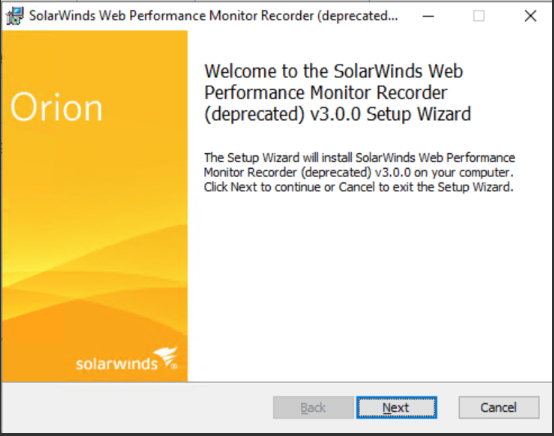
3. Finish or complete the Setup Wizard.
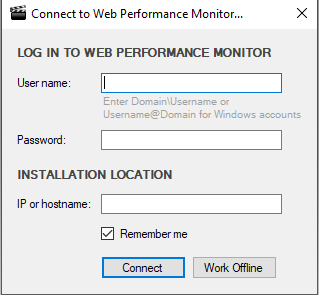
4.You may now use the deprecated version after logging in.
.
1. Run the WPM Recorder (deprecated)
- Start > All Programs > SolarWinds Orion Folder > WPM Recorder (deprecated)
3. Finish or complete the Setup Wizard.
4.You may now use the deprecated version after logging in.
.