
Security Compliance
Hide and show details in ARM Logbook
This article will explain how you can hide and show additional details in the logbook
First published date
9/3/2021 8:34 AM
Last published date
9/3/2021 8:34 AM
Overview
Following this article, you will know how you are able to hide and show additional ARM Logbook details.
Product section
Access Rights Manager
Resolution
In the Logbook view in the arm, by default, additional details window about the events is turned on. So every time when you click on the event from the list you will see more details about this.
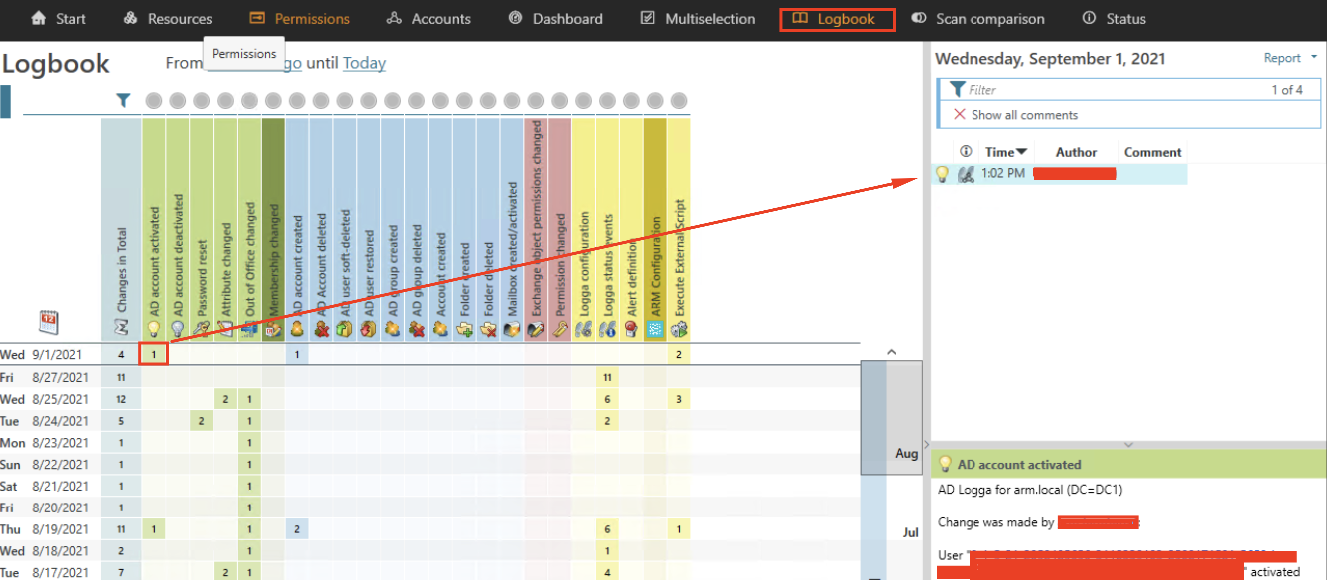
If you wish to disable this additional view, simply click on the arrow next to the date and this view will be collapsed.
To do the opposite and open this view again, repeat the same action again.
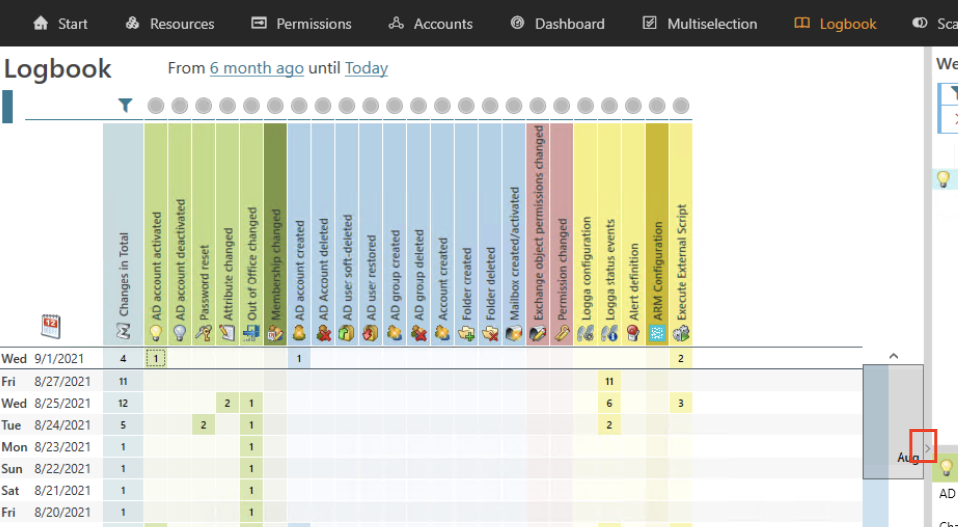
If you wish to disable this additional view, simply click on the arrow next to the date and this view will be collapsed.
To do the opposite and open this view again, repeat the same action again.