
Network Management
Export Orion reports with over 65k rows to .XLS
In earlier version, Orion unable to export reports with over 65k rows to .XLS, and this has been fixed in 2019.4 HF4. This article shows the test results.
First published date
2/19/2020 6:06 AM
Last published date
2/19/2020 6:06 AM
Overview
Tested on Orion 2019.4 HF 4

What we test:
· custom table report with a large table which contains more than 65536 rows
· actions which use send an excel file (save to disk, send email)
· scheduled execution and runNow
Test result:
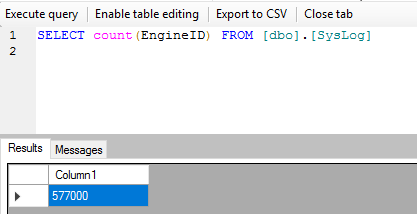
Having 577k syslog in syslog table
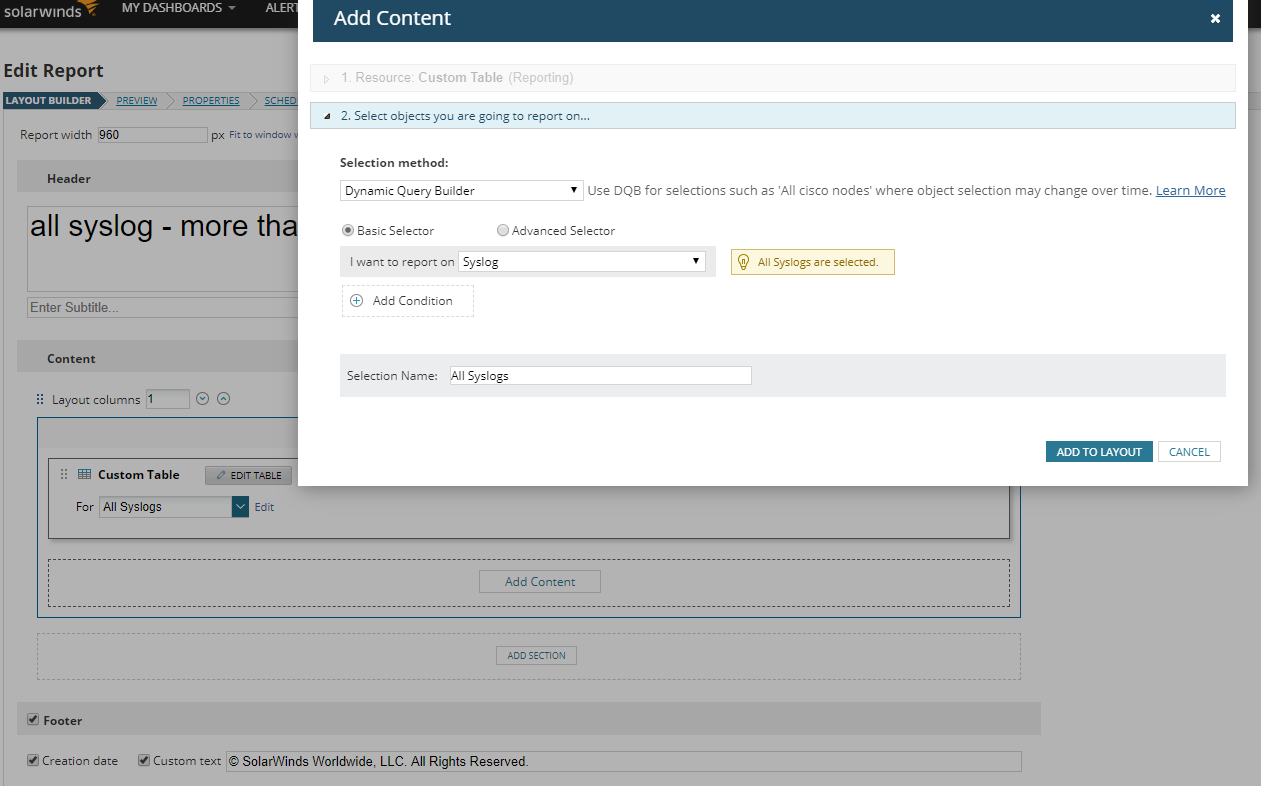
Then we create a report for all syslogs
What we test:
· custom table report with a large table which contains more than 65536 rows
· actions which use send an excel file (save to disk, send email)
· scheduled execution and runNow
Test result:
Having 577k syslog in syslog table
Then we create a report for all syslogs
Product section
Network Performance Monitor
Cause
n/a
Resolution
1st test:
assigned a send email action to a schedule to export the report to excel.
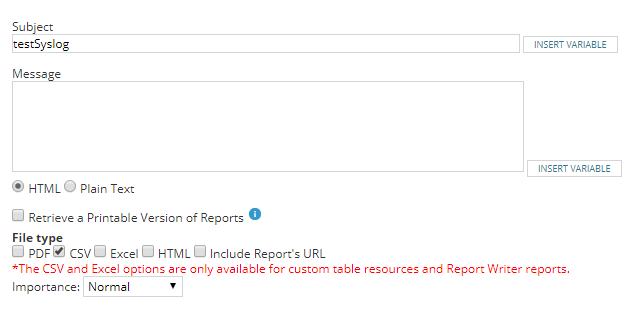
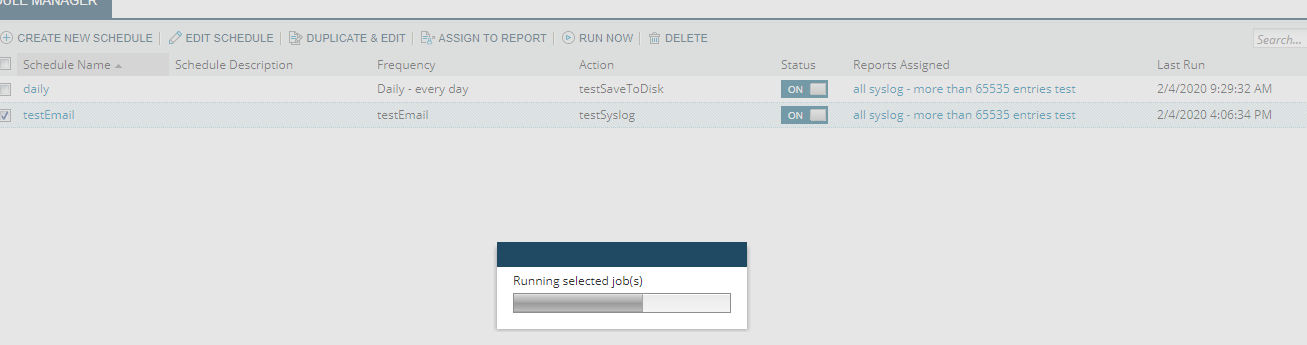
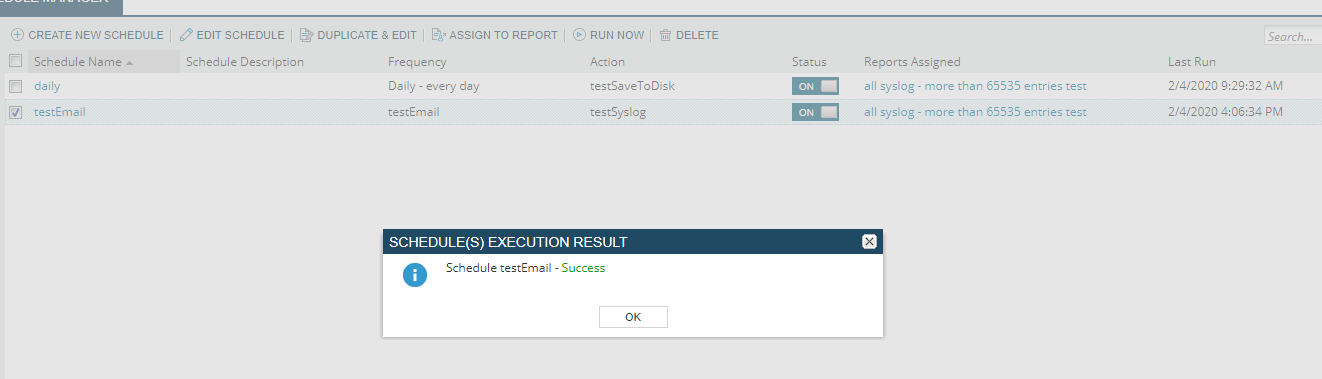
Able to export the report to email

Checked on the excel file, full report exported

2nd test:
Assigned a Save To disk action to a schedule to export the report to excel.
Report able to be exported

Checked on the excel file, full report exported

Please note that applying HF4 alone does increase the limit, however, if the result is not as high as you expected, to achieve the number of rows that you required, some changes needed to be done to the web.config file, as outlined below.
1. Go to the Orion web server used to generate the report in the Report Schedule
2. Go to C:\inetpub\SolarWinds and create a backup of the web.config file.
3. Open the original web.config file in Notepad.
4. Find the section
<location path="Orion/Reports/AsExcel.aspx">
<system.web>
<httpRuntime maxRequestLength="64384" executionTimeout="600" />
</system.web>
</location>
5. Increase maxRequestLength to "128768"
6. Find the section
<location path="Orion/Report.aspx">
<system.web>
<httpRuntime maxRequestLength="16096" executionTimeout="600" />
</system.web>
</location>
7. Increase maxRequestLength to "32192"
8. Restart the World Wide Web Publishing Service
assigned a send email action to a schedule to export the report to excel.
Able to export the report to email
Checked on the excel file, full report exported
2nd test:
Assigned a Save To disk action to a schedule to export the report to excel.
Report able to be exported
Checked on the excel file, full report exported
Please note that applying HF4 alone does increase the limit, however, if the result is not as high as you expected, to achieve the number of rows that you required, some changes needed to be done to the web.config file, as outlined below.
1. Go to the Orion web server used to generate the report in the Report Schedule
2. Go to C:\inetpub\SolarWinds and create a backup of the web.config file.
3. Open the original web.config file in Notepad.
4. Find the section
<location path="Orion/Reports/AsExcel.aspx">
<system.web>
<httpRuntime maxRequestLength="64384" executionTimeout="600" />
</system.web>
</location>
5. Increase maxRequestLength to "128768"
6. Find the section
<location path="Orion/Report.aspx">
<system.web>
<httpRuntime maxRequestLength="16096" executionTimeout="600" />
</system.web>
</location>
7. Increase maxRequestLength to "32192"
8. Restart the World Wide Web Publishing Service