
Network Management
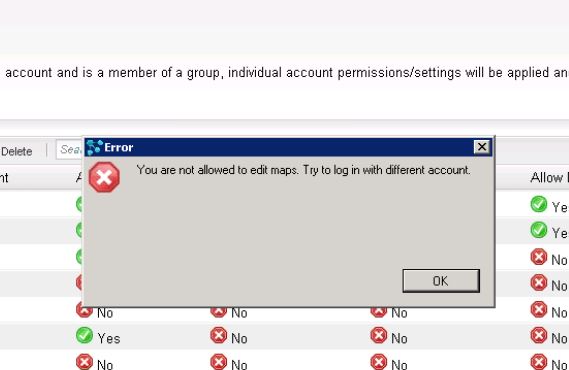
Error when logging into Network Atlas Map
This article covers when you encounter login issues to Network Atlas map using their AD and Local Orion credentials.
First published date
10/30/2018 11:17 PM
Last published date
11/26/2019 7:56 AM
Overview
This article describes the issue when you try t log in to Network Atlas map using their AD and Local Orion credentials and it fails.
Product section
Network Performance Monitor
Cause
This issue occurs when the user account does not have the appropriate rights to manage Atlas maps.
The issue may occur also in cases when the Windows Account has Node Management rights in the Orion Web Console.
Resolution
- As an administrator, log in to Orion Web Console.
- Navigate to Settings > Manage Accounts.
- Look for the account and click Edit.
- Look for Allow Node Management rights and make sure it is set to YES.
- If adding the Node Management rights doesn't resolve the issue, create a new account (Orion Account) and use this as the login to Network Atlas.