
Network Management
Error message received when starting Network Topology Mapper and SolarWinds Network Topology Job Scheduler Service
This documentation helps when NTM and SolarWinds Network Topology Job Scheduler Service is unable to start and giver error message.
First published date
9/8/2022 11:30 AM
Last published date
9/15/2022 2:40 PM
Overview
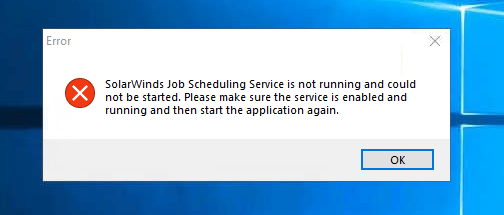
There are cases when an error message appears upon launching the Network Topology Mapper / NTM and it closes as soon as you click "OK" to the error message:
SolarWinds Job Scheduling Service is not running and could not be started. Please make sure the service is enabled and running and then start the application again.
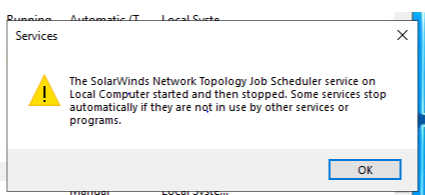
When you are trying to start the service manually from the Services.msc, the following error appears and manual start does not work:
The SolarWinds Network Topology Job Scheduler service on Local Computer started and then stopped. Some services stop automatically if they are not in use by other services or programs.
SolarWinds Job Scheduling Service is not running and could not be started. Please make sure the service is enabled and running and then start the application again.
When you are trying to start the service manually from the Services.msc, the following error appears and manual start does not work:
The SolarWinds Network Topology Job Scheduler service on Local Computer started and then stopped. Some services stop automatically if they are not in use by other services or programs.
Product section
Network Topology Mapper
Cause
NA
Resolution
- Make sure that NTM is on the latest version: 2.2.2.816
- Download the installer from the SolarWinds Customer Portal
- Run the installer in the NTM Server/Machine as an Administartor
- Select "Repair" mode during installation
- Launch the NTM again.