
Application Management
Enable and Disable Demo Data in Loggly
This article shows how you can enable and disable the demo data in Loggly.
First published date
8/4/2021 6:45 PM
Last published date
11/29/2023 2:09 PM
Overview
Demo Data is data automatically generated to your system. In Loggly it can be used for flow testing and demonstration of appearing logs in your search results. Demo data feature is only available for Loggly Trial accounts. It can be loaded and used as an initial system setup.
Product section
Loggly
Resolution
1. Go to logs then Source Setup in Loggly UI.
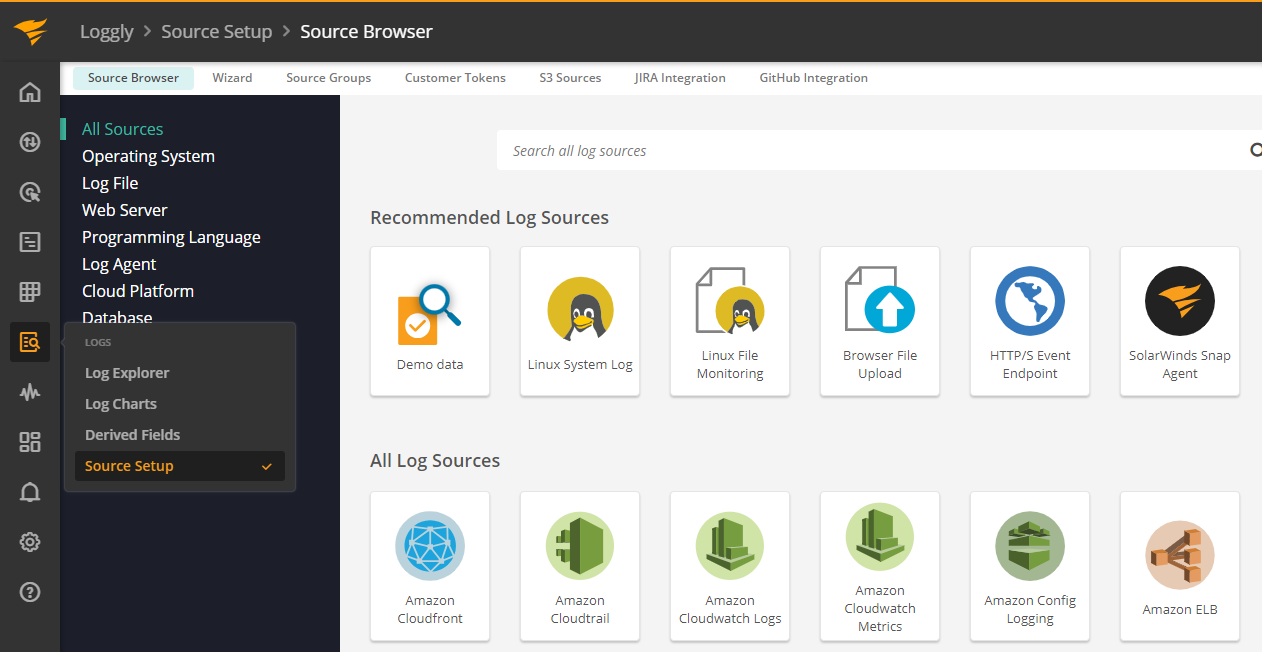
2. On the Log Sources view, go to Demo data.
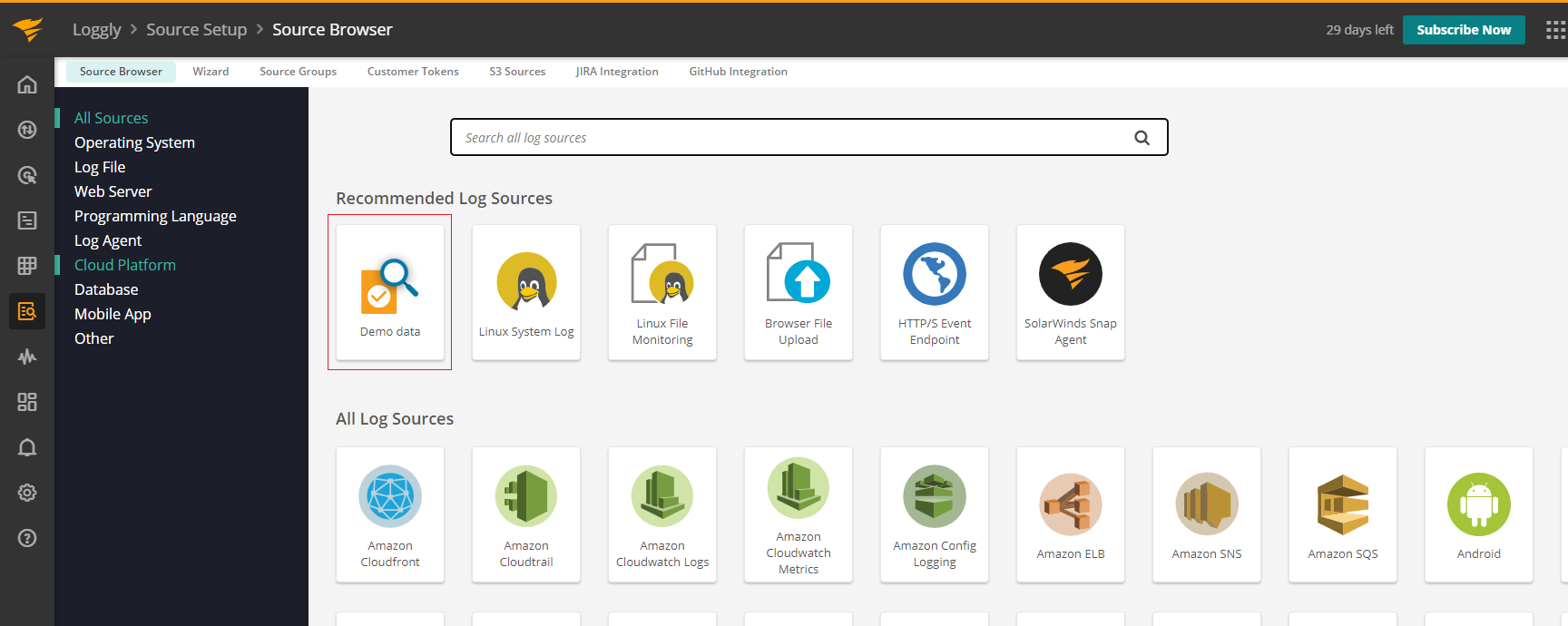
3. Then click "Disable and delete Demo Data".
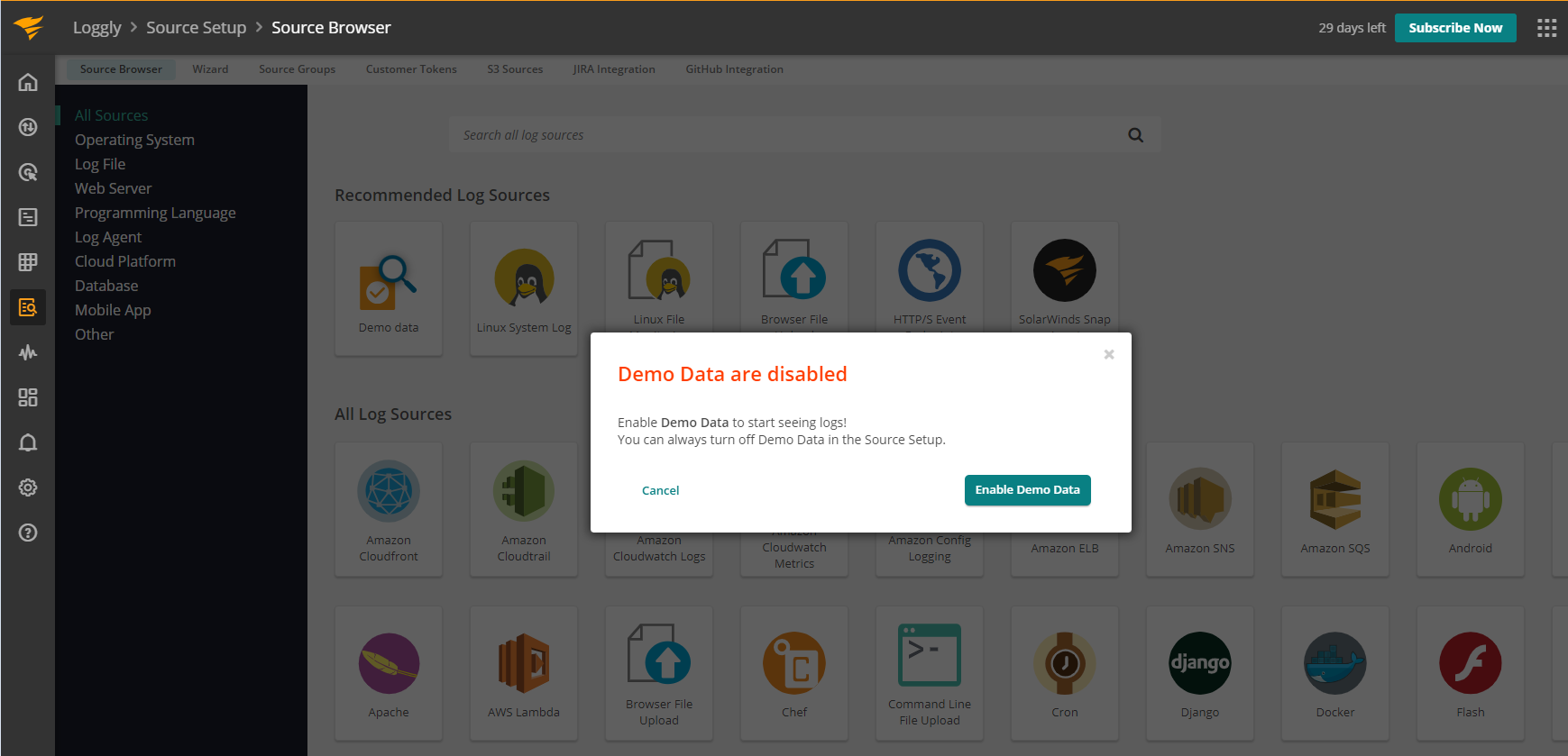
Note: This is only applicable to active Loggly trial accounts.
2. On the Log Sources view, go to Demo data.
3. Then click "Disable and delete Demo Data".
Note: This is only applicable to active Loggly trial accounts.