
Network Management
ERROR 404 When going to syslog and traps view on the web console
This article explains the resolution on how to resolve the issue where the Syslog and Traps view is not working and being directed to a different link "'/ui/orionlog/logviewer/"
First published date
10/17/2019 5:42 PM
Last published date
1/30/2023 5:59 PM
Overview
This is the error you will see on the web console.
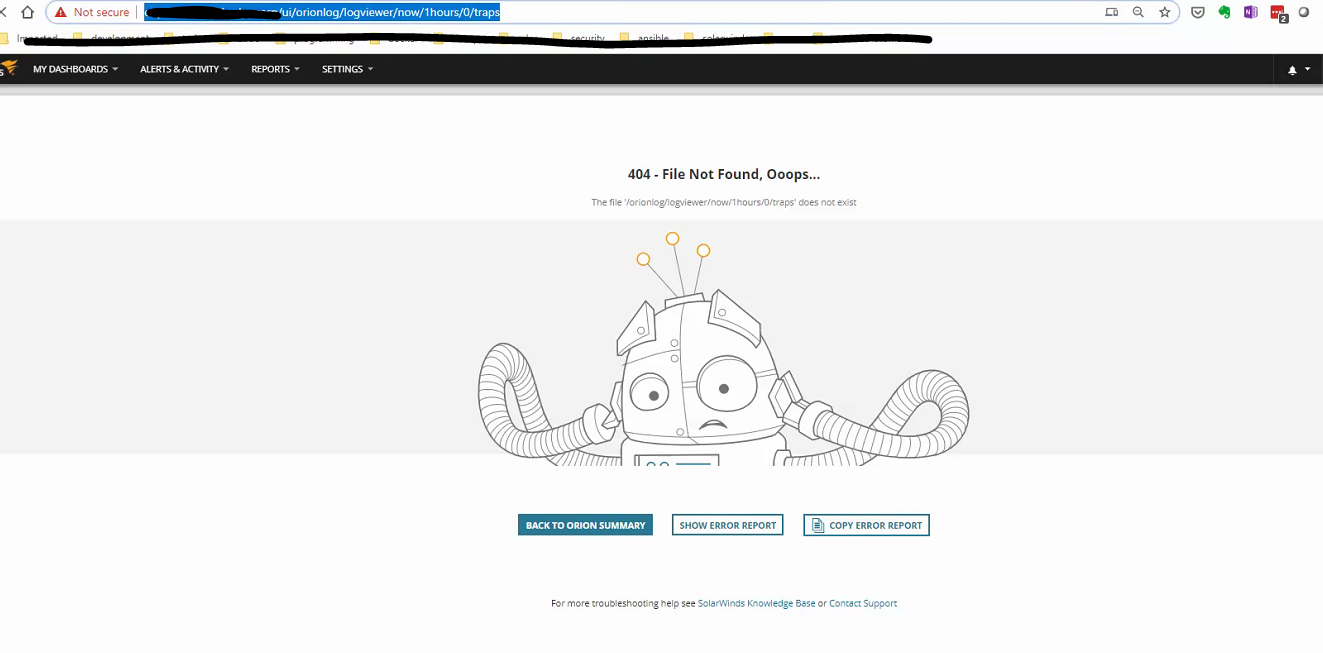
Product section
Network Performance Monitor
Cause
Incomplete uninstallation of Log Analyzer
Resolution
Make sure to check the steps on this link :
Uninstall LA and restore legacy syslog and trap services
Here are the steps to update the Webview table in the Orion Database to revert to the legacy syslog and traps views:
Uninstall LA and restore legacy syslog and trap services
Here are the steps to update the Webview table in the Orion Database to revert to the legacy syslog and traps views:
- Connect to the Orion server.
- Open Database Manager from the Solarwinds Orion folder of the start menu.
- Select Add Orion Server.
- Expand the SQL server and Orion database in bold.
- Right-click the database and select New Query.
- Paste and Execute the following:
-- Scripts are not supported under any SolarWinds support program or service.
-- Scripts are provided AS IS without warranty of any kind. SolarWinds further
-- disclaims all warranties including, without limitation, any implied warranties
-- of merchantability or of fitness for a particular purpose. The risk arising
-- out of the use or performance of the scripts and documentation stays with you.
-- In no event shall SolarWinds or anyone else involved in the creation,
-- production, or delivery of the scripts be liable for any damages whatsoever
-- (including, without limitation, damages for loss of business profits, business
-- interruption, loss of business information, or other pecuniary loss) arising
-- out of the use of or inability to use the scripts or documentation.


UPDATE [WebView]
SET [Url] = '/orion/netperfmon/syslog.aspx'
WHERE [Name] = 'syslog'
UPDATE [WebView]
SET [Url] = '/orion/netperfmon/traps.aspx'
WHERE [Name] = 'traps'

DELETE FROM [MenuItems] WHERE [Link] = '/ui/orionlog/logviewer/'
DELETE FROM [MenuBars] WHERE [MenuName] = 'LOGS_TabMenu'
DELETE FROM [ReportDefinitions] WHERE [Category] = 'Log Manager for Orion'
- Open IIS Manager and expand the server and application pool on the left.
- Select the Orion website and restart the Website on the right.
- Navigate to the Orion Web Console view - this should now load as expected.