
Network Management
Download Installer Now button not working: 404 Page not found
Clicking the Download Installer Now button on the Polling Engines page or the Web Console Settings page produces a HTTP 404 Error. Page cannot be found.
First published date
4/27/2020 5:17 PM
Last published date
4/27/2020 8:46 PM
Overview
While obtaining an installer from the web console, clicking the 'Download Installer Now' button on Polling Engines page or the Web Console Settings page produces a HTTP 404 Error. Page cannot be found.
Example image.
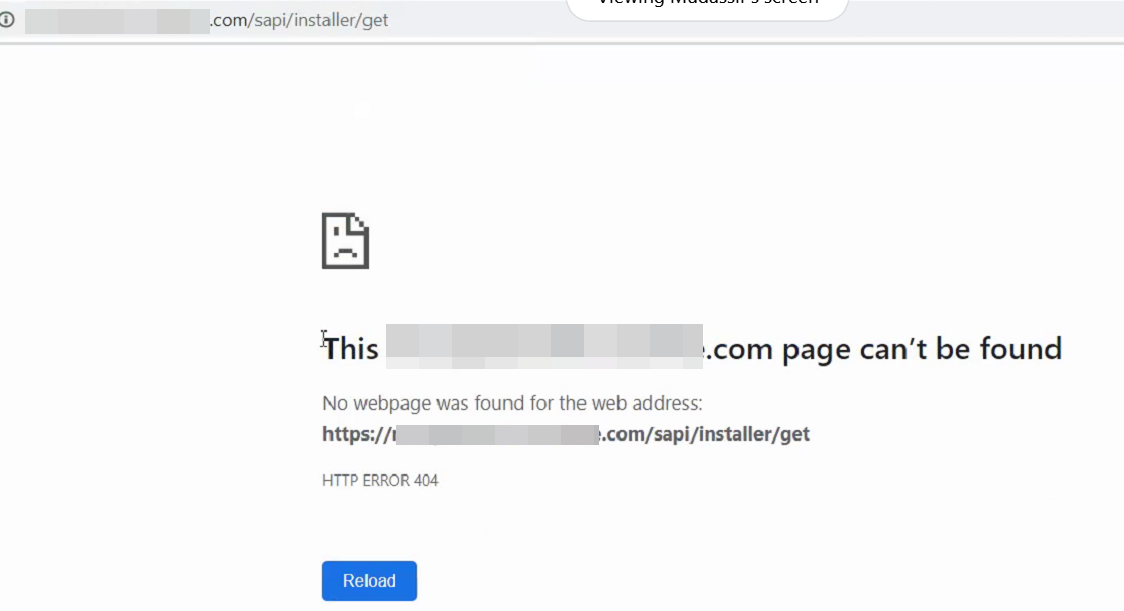
Example image.
Product section
Orion Platform
Cause
- Missing installer in the installers directory
- Missing registry value
Resolution
Check the Installers Directory
- Check the following directory on the main Orion server:
C:\ProgramData\SolarWinds\Installers\
for the existence of the installer: SolarWinds.Orion.Installer-version.exe
where version is the version number of the installer.
- If the installer file does not exist, it is recommended to check the additional polling engines for the existence of the same file in the same directory.
- Transfer the installer from an additional polling engine to the main polling engine.
Check the Windows Registry
- Go to this registry key on the main Orion server:
HKEY_LOCAL_MACHINE\Software\Wow6432Node\SolarWinds\Orion\Installer
- If a entry for Path does not exist, add entry: Right-click > New > String Value.
SolarWinds strongly recommends that you back up your registry before making any edits to your system registry. You should only edit the registry if you are experienced and confident in doing so. Using a registry editor incorrectly can cause serious issues with your operating system. SolarWinds cannot guarantee resolution to any damage resulting from making registry edits.
- Right-click the new value > Rename > Set this to Path.
- Right-click the path key > Modify. Set the value data to:
C:\ProgramData\SolarWinds\Installers\SolarWinds.Orion.Installer-(version).exe
NOTE: you must put the correct version in for your installer. Check the file directory to see what version this is.
- Save the value. Exit registry editor.
You must reboot the machine for registry value to take effect.