
Tools
Disable or Turn off Dameware Mobile Gateway server
Learn how to disable the Dameware Mobile Gateway server component of the Dameware server.
First published date
3/8/2023 7:44 PM
Last published date
1/17/2025 10:41 PM
Overview
There are some cases that a Dameware Mobile Gateway is not needed in the customer's configuration or the customer wants to run the Mobile Gateway on another server. In this scenario, you need to disable or turn off the Mobile Gateway component of the Dameware server.
Product section
Dameware Remote Support & Mini Remote Control
Resolution
1. Log in to the Dameware server via RDP or other means to access it.
2. Launch the Dameware Configuration Wizard.

3. Click Next to proceed.
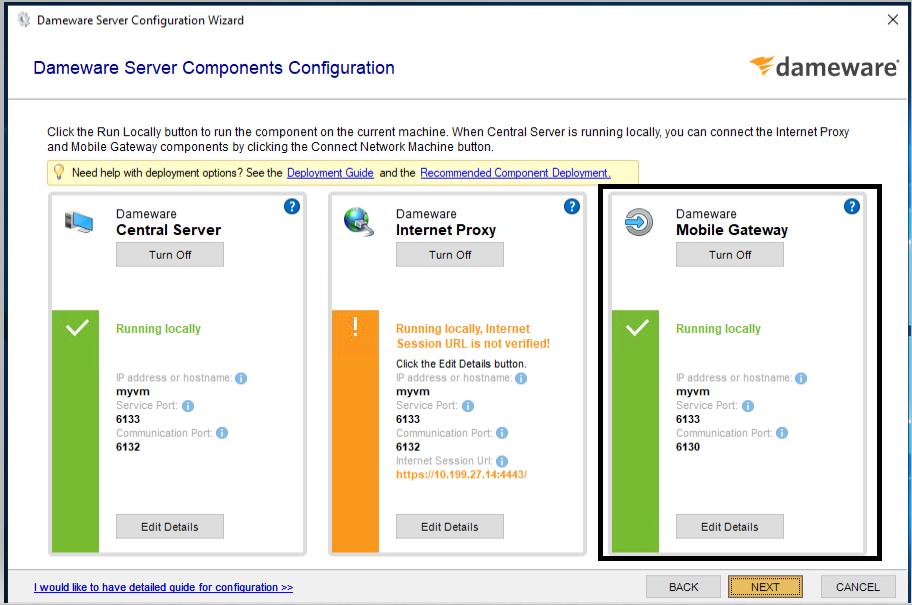
4. Click Turn Off for the Mobile Gateway.
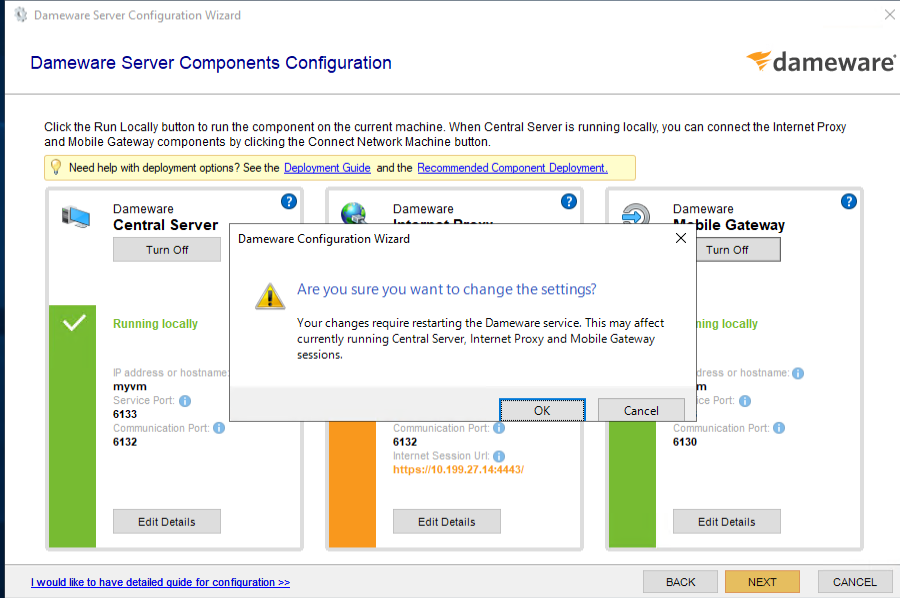
5. Click OK to proceed.
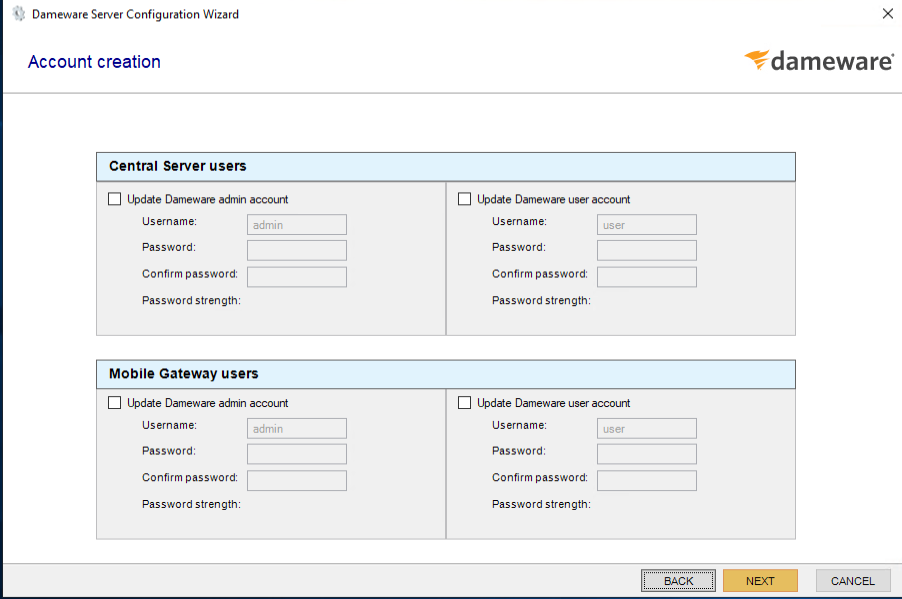
6. Click Next and then Finish.
2. Launch the Dameware Configuration Wizard.
3. Click Next to proceed.
4. Click Turn Off for the Mobile Gateway.
5. Click OK to proceed.
6. Click Next and then Finish.