
Tools
Dameware Remote Everywhere (DRE) technician cannot log in to the admin area or tech console
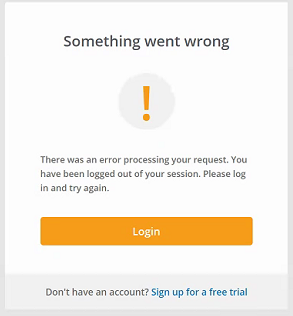
This article describes an issue when logging in to the admin area to the technician console and getting an error "There was an error processing your request. You have been logged out of your session. Please log in and try again"
First published date
11/19/2020 7:46 PM
Last published date
2/3/2026 11:18 PM
Overview
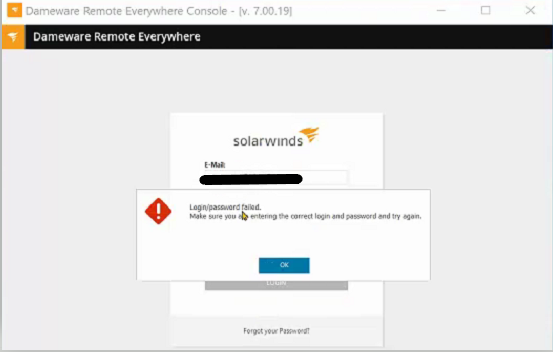
The technician may get an error below when the account is not fully completed. It is required to complete the account profile, including the 2FA, to log in to the admin area or technician console.
Admin area:
Technician console:
Admin area:
Technician console:
Product section
Dameware Remote Everywhere
Cause
Technician account profile is not fully completed.
Resolution
1. Log in to the DRE admin areas using the admin account.
2. Go to Management, then the Technicians.
3. Select the technician profile, click send invite.
4. Once the SSO invite is received, follow the procedure and complete the account setup, including the 2FA.
2. Go to Management, then the Technicians.
3. Select the technician profile, click send invite.
4. Once the SSO invite is received, follow the procedure and complete the account setup, including the 2FA.