
Network Management
Corrupted alerts do not trigger in the SolarWinds Platform
A corrupted alert will not trigger even when there are objects that meet the trigger conditions. To resolve the issue, create a new alert using the same trigger conditions. Do not duplicate or edit the alert.
First published date
10/19/2018 7:44 PM
Last published date
6/16/2025 6:35 PM
Overview
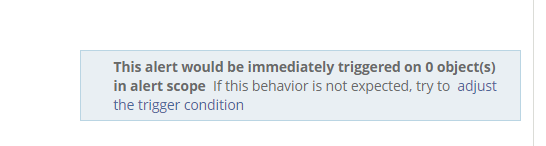
A specific alert does not trigger even if it meets the trigger conditions. There is usually no error message. The Alert Summary page shows triggered on 0 objects:
Product section
Network Performance Monitor
Cause
The alert in question is corrupted. Do not copy the alert, instead create a duplicate alert then test the new alert. Once you have created a new alert that duplicates the corrupted alert and functions normally, delete the corrupted alert.
Resolution
Create a new alert using the same trigger conditions. Do not duplicate or edit the alert.