
Network Management
Cannot see Interface Bandwidth utilization for ASA nodes in NPM
This article shows how to display Interface Bandwidth for Cisco ASA nodes.
First published date
3/26/2020 3:42 PM
Last published date
11/30/2022 2:32 AM
Overview
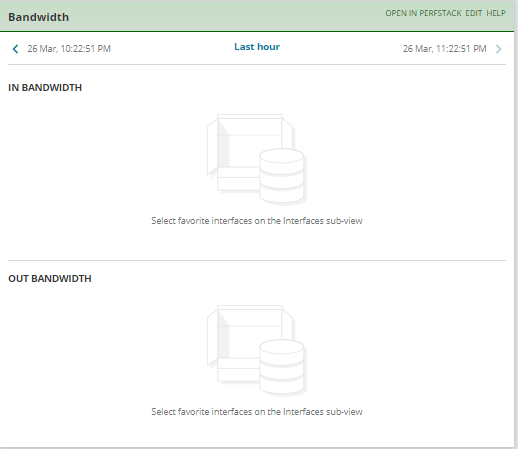
There are cases where users are complaining that they cannot see data in the Bandwidth widget for their CIsco ASA nodes.
Note that this is different to "No Data Available" message in widgets.
Note that this is different to "No Data Available" message in widgets.
Product section
Network Performance Monitor
Cause
ASA interface is not selected as a favorite.
Resolution
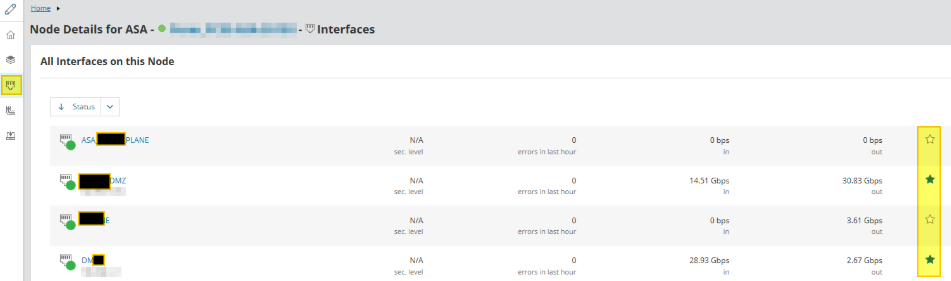
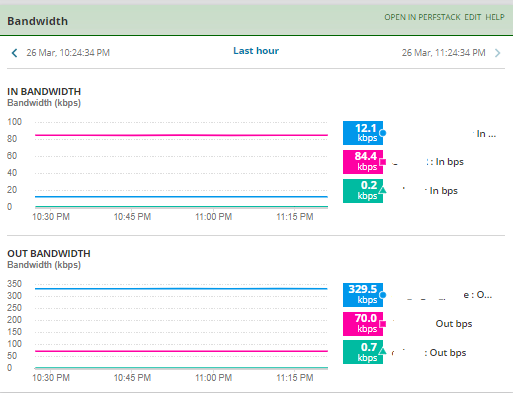
Select important interfaces to see the information on the Summary page. You can specify up to three favorites.
Note that same is true if you want to see Site-to-site VPN tunnels on the node Summary page.
- Click Interfaces ton the subview menu on the left.
- Click the stars for interfaces you want to see on the summary page.
Note that same is true if you want to see Site-to-site VPN tunnels on the node Summary page.