
Always On Tab is Blank
First published date
7/20/2021 10:24 PM
Last published date
3/30/2022 1:34 PM
Resolution
When a Client has AlwaysOn configured but the AlwaysOn tab shows no data:
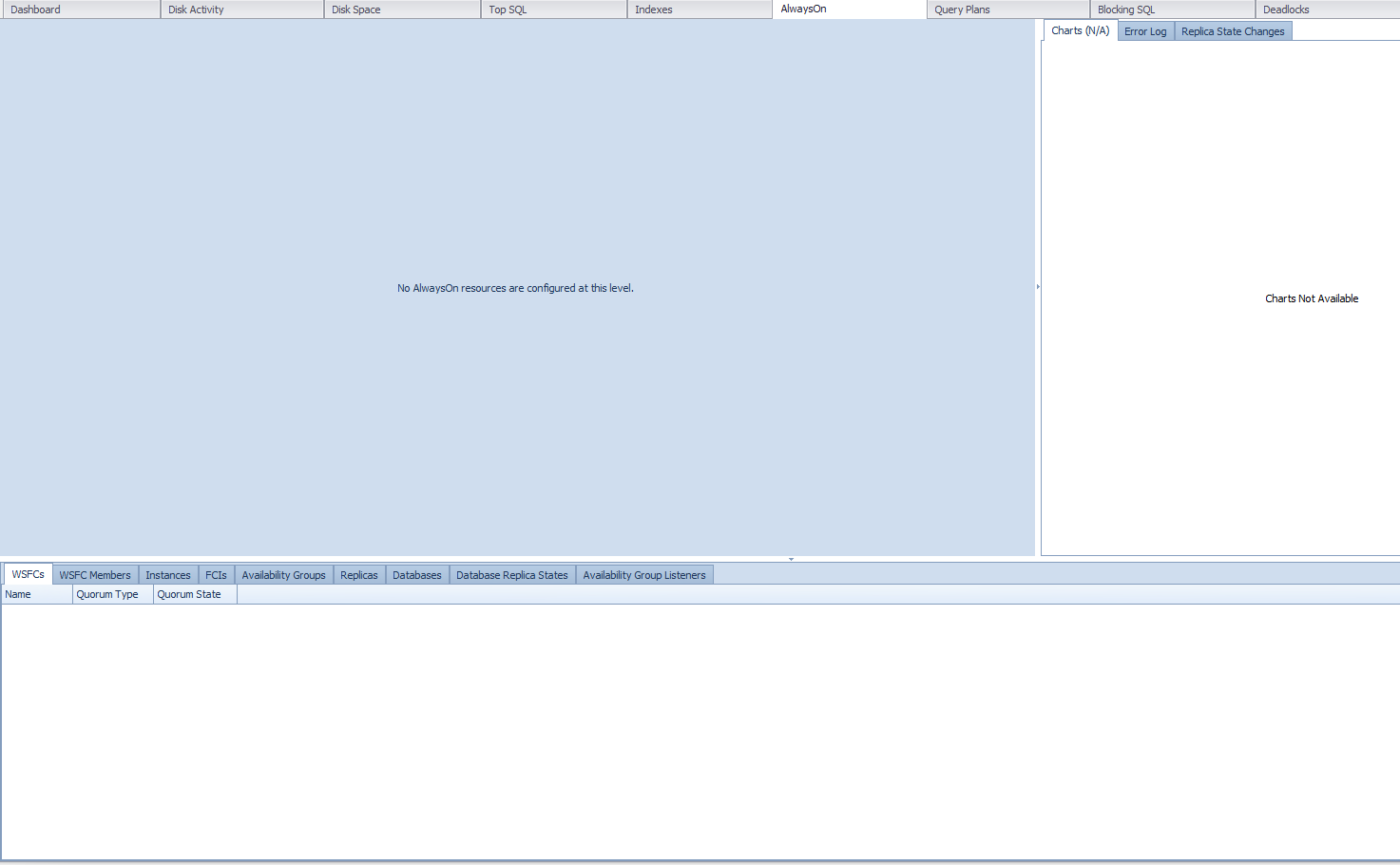
2. Once confirmed have the Client run the below query to check for Orphaned Registry Keys.
Step-by-step guide: When a Client has AlwaysOn configured but the AlwaysOn tab shows no data
1. Ask the Client to run the below statement against the Primary node to confirm they have added the correct target
SELECT SERVERPROPERTY('servername')
|
2. Once confirmed have the Client run the below query to check for Orphaned Registry Keys.
USE master SELECT * FROM sys.dm_hadr_instance_node_map GO |
3. If the query returns no results they have an Orphaned Record and need to follow the below steps.
4. Open regedit and navigate to HKEY_Local_Machine > Cluster > HadrAgNameToIdMap and delete any Orphaned keys.
5. This should be completed on all servers that are part of the AG. (Note that not all servers may have the Orphaned Key)