
Network Management
Create an alert widget to the dashboard of Orion Platform
This is how we can get an alert widget to the dashboard of our Orion Platform
First published date
11/20/2019 4:50 PM
Last published date
10/4/2021 6:59 AM
Overview
We would like to have an alert view on the dashboard where we can filter it and even acknowledge the alert even not going to the alert manager or active alert page. So, we can do that by adding an alert widget to our dashboard.
Product section
Orion Platform
Resolution
1. Login to your web console as an admin
2. Go to your homepage or Orion summary
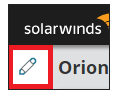
3. Click the pencil icon
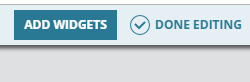
4. Click the add widgets
5. Type to the search bar - "alert" to see any alert widget that you want to show on your dashboard
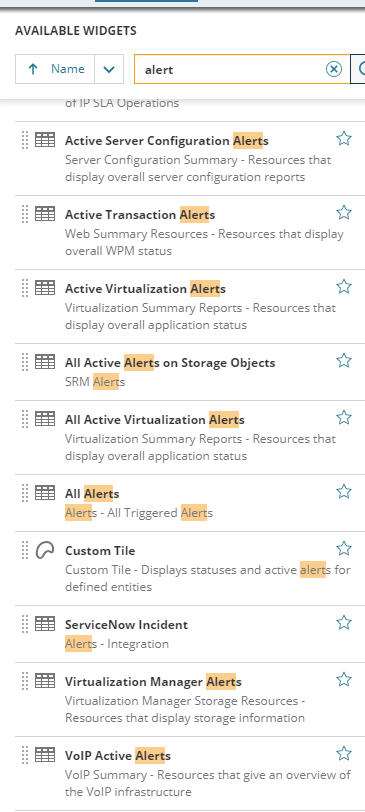
6. Drag the chosen alert widget to the page
7. Click done adding widget then click done editing
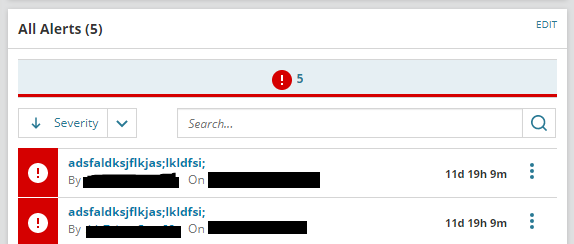
8. You now have the alert widget of your choice. All alerts and Active alerts are common used widget ( to see the active alerts and for you to filter the triggered alert to your liking.)
2. Go to your homepage or Orion summary
3. Click the pencil icon
4. Click the add widgets
5. Type to the search bar - "alert" to see any alert widget that you want to show on your dashboard
6. Drag the chosen alert widget to the page
7. Click done adding widget then click done editing
8. You now have the alert widget of your choice. All alerts and Active alerts are common used widget ( to see the active alerts and for you to filter the triggered alert to your liking.)